Top 5 compared
The best digital photo frames
The family’s newest photos turn up on a screen on the shelf, instead of staying out of sight on a phone.
54 checked · 5 made the cut
As an Amazon Associate we earn from qualifying purchases. It costs you nothing extra. How this works
The top 5 at a glance

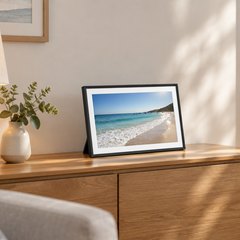
A digital photo frame is a small screen that plays a slideshow of your pictures on a shelf, a desk or the wall. Wi-Fi frames take new photos from anyone you invite, sent from a phone through an app or by email, so a picture taken in the morning can be on the kitchen counter by lunch. Many frames run Frameo, an app from a Danish company that frame brands build in.
Showing photos costs nothing on any of these frames; some apps offer an optional paid plan with extras such as more photos sent at once, or albums. Frames with a card slot or USB port can also take pictures from a memory card or stick, with no Wi-Fi at all.
What matters
- Whether people sending photos need an account, or just a code.
- Photos by email, for relatives who’d rather not install an app.
- How long a video clip can run without a paid plan.
- 10 inches for a shelf, 15 or more for a big room.
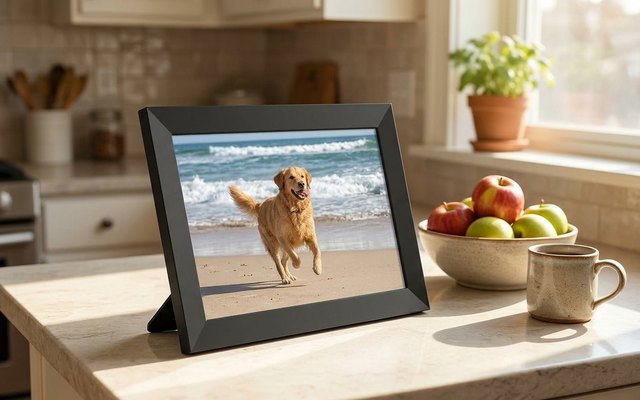
#1VESWWE Frameo 10.1-inch Wi-Fi Digital Photo Frame (32GB)
CA$75–100
- No account needed to send
- Calendar plans on screen
- Takes a microSD card
Anyone with the free Frameo app and the code the frame shows can send photos and short clips to this sharp 10.1-inch touchscreen, with no account to set up and no fee to send, so the whole family can join in. Link a calendar in the app and upcoming plans can show on it too.
What owners say: Owners find it easy to use and simple to set up, and they call it a good product they’re satisfied with.
A closer look: Put the frame on Wi-Fi first, then tap to show a code and type it into the Frameo app on each phone that will send photos. Any picture can be hidden from the slideshow and shown again later.
Best for: Showing the calendar
- Screen
- 10.1 in, 1280 × 800
- Adding photos
- Frameo app or microSD
- Storage
- 32GB + microSD
- Account needed
- No, pairs with a code
- Subscription
- Optional Frameo+
- Video clips
- 15 s (2 min with Frameo+)
- Touchscreen
- Yes
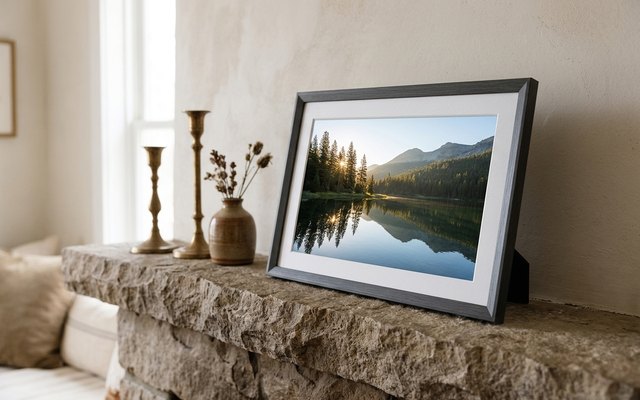
#2Aura Carver Mat 10.1-inch Wi-Fi Digital Photo Frame (Gravel, white mat)
CA$200–300
- Free unlimited cloud storage
- Photos by email too
- No subscription at all
- No touchscreen
- App senders need an account
Every photo the family adds is kept in Aura’s cloud for free, with no limit and no subscription, and pictures come in through the Aura app, by email, or from iCloud and Google Photos. A white mat around the 10.1-inch screen makes it look like a framed print.
What owners say: The picture quality and the look of it win owners over, and adding photos through the app is easy. Some find it expensive, and one owner says theirs stopped working after a year.
A closer look: Set up an Aura account in the app and the frame links to the phone; anyone sending photos through the app needs a free account of their own. The screen is landscape only, so it pairs upright shots side by side, and it adjusts its brightness to the room and switches itself on and off.
Best for: Keeping every photo
- Screen
- 10.1 in, 1280 × 800
- Adding photos
- Aura app or email
- Storage
- Free unlimited cloud
- Account needed
- Yes, for the Aura app
- Subscription
- None
- Video clips
- Up to 30 s
- Touchscreen
- No
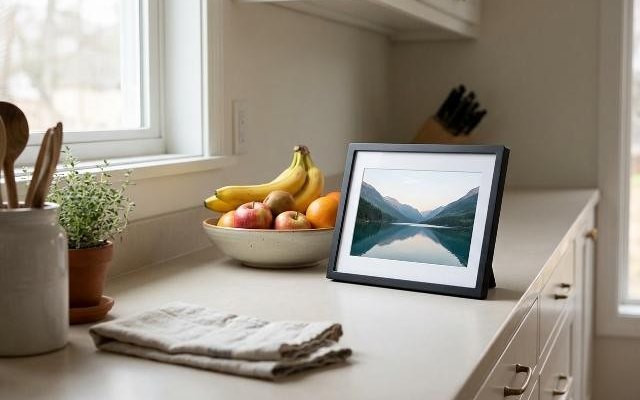
#3Skylight Frame 10-inch Wi-Fi Digital Picture Frame (black)
CA$150–200
- Own email address for photos
- Clips up to one minute
- No memory card slot
- Albums need a paid plan
Each Skylight has its own email address, so relatives can send a photo from any phone or computer without installing anything, and it shows on the frame within a minute. The 10-inch touchscreen keeps playing the photos it has stored when the Wi-Fi drops.
What owners say: Owners praise the crystal-clear screen and say setup and daily use are no trouble. Not everyone finds it works as expected, and some warn that a subscription is needed sooner or later.
A closer look: The address is picked during setup, so choose one that’s easy to say over the phone. There’s no memory card slot, so every photo comes in by email or the app, and the app can add a caption to it.
Best for: Minute-long video clips
- Screen
- 10 in, 1280 × 800
- Adding photos
- Email or Skylight app
- Storage
- 8GB on the frame
- Account needed
- No, frame has its own email
- Subscription
- Optional Skylight Plus
- Video clips
- Up to 1 min
- Touchscreen
- Yes
#4AEEZO 10.1-inch Wi-Fi Digital Picture Frame (32GB)
CA$50–75
- Light sensor dims the screen
- Clock and weather on screen
- Takes an SD card
- Senders need an account
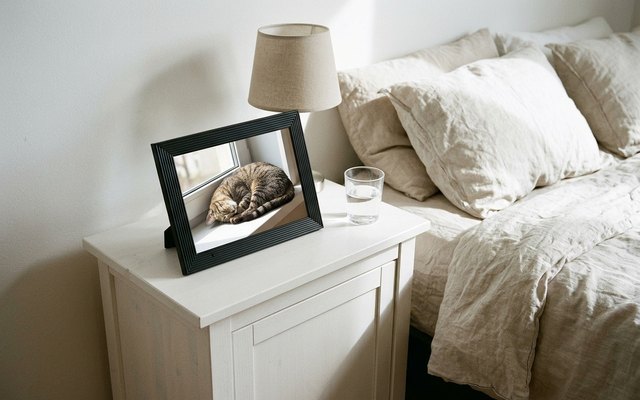
A light sensor dims the 10.1-inch touchscreen as the room gets darker, so it isn’t glaring in a bedroom at night. Photos and short clips come in through the AiMOR app, and the time and weather can show in a corner.
What owners say: Photos go from a cellphone to the frame quickly, even from far away, owners say, and the images look clear; they find it good value.
A closer look: Family and friends can be given upload access in the AiMOR app, so more than one phone can send to the frame. Photos on an SD card don’t play from the card: import them into the frame’s memory first.
Best for: Dimming in the dark
- Screen
- 10.1 in, 1280 × 800
- Adding photos
- AiMOR app or SD card
- Storage
- 32GB + SD up to 64GB
- Account needed
- Yes, AiMOR sign-up
- Subscription
- Optional AiMOR Plus
- Video clips
- Up to 15 s
- Touchscreen
- Yes
#5Pastigio Frameo 15.6-inch Wi-Fi Digital Picture Frame (32GB)
CA$150–200
- Large 15.6-inch screen
- Full HD resolution
- Loads from SD or USB
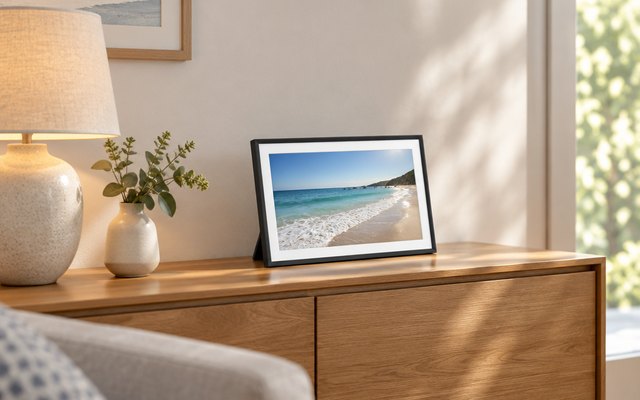
At 15.6 inches with a 1920 × 1080 screen, photos are easy to make out from the couch across the room. It runs Frameo, so a phone already sending to a Frameo frame just adds this one in the same app, and it also loads from an SD card, a USB stick or a computer.
What owners say: The big, sharp screen is what owners like most, with colours that look right. Some are less happy with how it performs and with getting photos onto it.
A closer look: Being large, it sits best on a wall or a wide dresser, and photos turn upright or wide to match how it stands. Tap a heart or a smile on a new photo and the reaction goes back to whoever sent it.
Best for: Large rooms
- Screen
- 15.6 in, 1920 × 1080
- Adding photos
- Frameo app, SD, USB or computer
- Storage
- 32GB + SD or USB
- Account needed
- No, pairs with a code
- Subscription
- Optional Frameo+
- Video clips
- 15 s (2 min with Frameo+)
- Touchscreen
- Yes
Side by side
How they compare
Swipe sideways or rotate device to see all 5.
| Feature | #1VESWWE Frameo 10.1-inch | #2Aura Carver Mat | #3Skylight 10-inch | #4AEEZO 10.1-inch | #5Pastigio Frameo 15.6-inch |
|---|---|---|---|---|---|
| Best overall | |||||
| Picked Rating | 9.3 | 9.0 | 8.8 | 8.8 | 8.8 |
| Price | CA$75–100 | CA$200–300 | CA$150–200 | CA$50–75 | CA$150–200 |
| Screen | 10.1 in, 1280 × 800 | 10.1 in, 1280 × 800 | 10 in, 1280 × 800 | 10.1 in, 1280 × 800 | 15.6 in, 1920 × 1080 |
| Adding photos | Frameo app or microSD | Aura app or email | Email or Skylight app | AiMOR app or SD card | Frameo app, SD, USB or computer |
| Storage | 32GB + microSD | Free unlimited cloud | 8GB on the frame | 32GB + SD up to 64GB | 32GB + SD or USB |
| Account needed | No, pairs with a code | Yes, for the Aura app | No, frame has its own email | Yes, AiMOR sign-up | No, pairs with a code |
| Subscription | Optional Frameo+ | None | Optional Skylight Plus | Optional AiMOR Plus | Optional Frameo+ |
| Video clips | 15 s (2 min with Frameo+) | Up to 30 s | Up to 1 min | Up to 15 s | 15 s (2 min with Frameo+) |
| Touchscreen | Yes | No | Yes | Yes | Yes |
| Best for | Showing the calendar | Keeping every photo | Minute-long video clips | Dimming in the dark | Large rooms |
| Buy now | Amazon | Amazon | Amazon | Amazon | Amazon |
How we checked these
How 54 became 5
We found 54 digital photo frame listings. Fourteen were the same frame again in another colour or size, or listed again, and 19 were rated too low and/or had too few ratings or sales to compete. That left 21, which we narrowed down step by step:
- Ratings, reviews and salesFor the 21, we then checked the ratings and reviews further, and how many people buy each one. Owners talked most about how easy they are to set up and use, then picture quality and sending photos to them. After these checks, we dropped three more.18 left
- Features weighed upThe 18 left were compared on the screen, how you add photos, storage, whether you need an account or a subscription, video clips and touchscreens. Once everything was weighed up together, we dropped 13 more.5 made the cut
- Value for moneyEvery digital photo frame here is worth what it costs. A dearer one is only here if it gives you more.
Spotted a mistake or something out of date? Tell usBack to top