Top 5 compared
The best 3D printers
Spare parts, toys and things you designed yourself, made at home in plastic while you get on with your day.
36 checked · 5 made the cut

As an Amazon Associate we earn from qualifying purchases. It costs you nothing extra. How this works
The top 5 at a glance
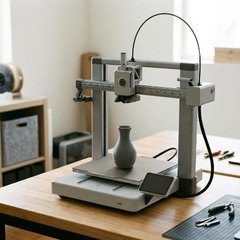
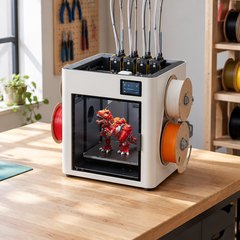
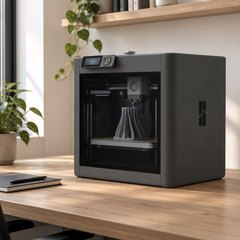
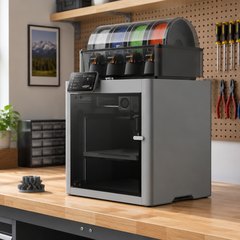
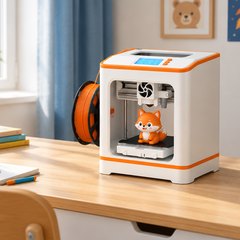
A 3D printer melts plastic filament from a spool and lays it down layer by layer until a model on the screen is a solid object. All five here are that kind, known as FDM. RepRap, the open-source printer designed to print most of its own parts, was started by Adrian Bowyer at the University of Bath in 2005.
Beyond the printer you’ll need filament (PLA is the easiest to start with) and a slicer, the software that turns a model into printing instructions, which each maker supplies; ready-made models can be downloaded and printed. Every printer here takes files over Wi-Fi and levels its own bed, and each maker’s phone app runs on iPhone and Android.
What matters
- Build volume: the largest single piece it can print.
- An enclosure for ABS, ASA and other tougher filaments.
- Multicolor: built in, an add-on, or single color only.
- A camera, to check on a long print from your phone.
#1Bambu Lab A1 3D Printer
$200–$300
- Roomy 256mm cube build volume
- Calibrates itself before every print
- Takes AMS lite for multicolor
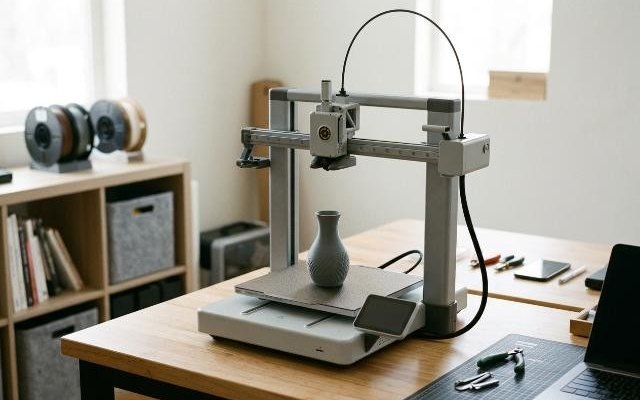
It sets itself up before every print, from bed leveling to the nozzle’s height, swaps nozzles with a single clip and cancels its own motor noise, and the 256mm cube it prints in is roomy for its size. Bambu’s AMS lite can be added later for multicolor prints.
What owners say: Setup and everyday use are straightforward even for beginners, and it prints fast and copes with several kinds of filament. In one family, a 10-year-old runs it without help.
A closer look: Bambu lists PLA, PETG, TPU and PVA as the filaments it suits, and doesn’t recommend ABS or ASA, which want an enclosed printer, on its open frame. Keep the build plate free of fingerprints, since skin oil is a common reason a first layer won’t stick. Printing in several colors needs Bambu’s AMS lite, sold separately or with the A1 Combo. Bambu recalled the first A1s, sold in December 2023 and January 2024, over the heatbed cable, and printers sold since then aren’t affected.
Best for: Canceling motor noise
- Build volume
- 256 × 256 × 256mm
- Top speed
- 500mm/s
- Multicolor
- With AMS lite (extra)
- Enclosure
- Open frame
- Camera
- Up to 1080p, low frame rate
- Slicer software runs on
- Windows, Mac, Linux
- Max nozzle temperature
- 572°F
#2Snapmaker U1 3D Printer with 4-Toolhead Changer
Over $300
- Four toolheads, 5-second swaps
- Cuts purge waste on color changes
- Prints ABS, nylon and polycarbonate
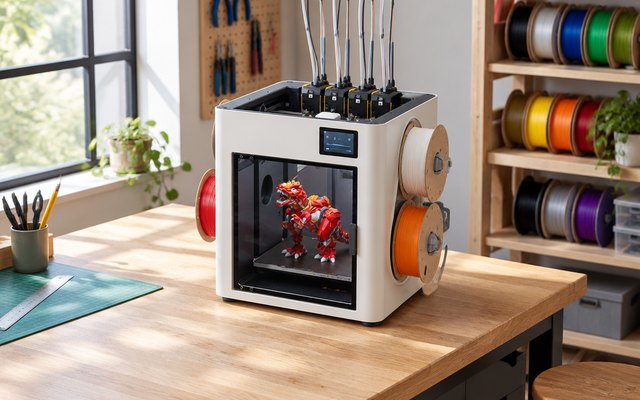
Four separate toolheads, each loaded and preheated with its own filament, swap in about five seconds, so a four-color print wastes very little filament on purging. Rigid and flexible plastics, or a soluble support, can go into one print, at up to 500mm/s on a CoreXY frame.
What owners say: Owners coming from other printers call it a huge step up, with quick print times and color changes that leave next to no waste. Clear instructions make it approachable for beginners; the noise level splits opinion.
A closer look: Load all four toolheads before a long job and the printer handles every color change on its own. Snapmaker’s optional top cover closes it in for a steadier temperature, which helps ABS, ASA and nylon prints, and the Snapmaker app shows a print’s progress through the built-in camera, with AI monitoring to flag a failed print.
Best for: Multicolor with little waste
- Build volume
- 270 × 270 × 270mm
- Top speed
- 500mm/s
- Multicolor
- 4 toolheads
- Enclosure
- Optional top cover
- Camera
- 2 MP
- Slicer software runs on
- Windows, Mac, Linux
- Max nozzle temperature
- 572°F
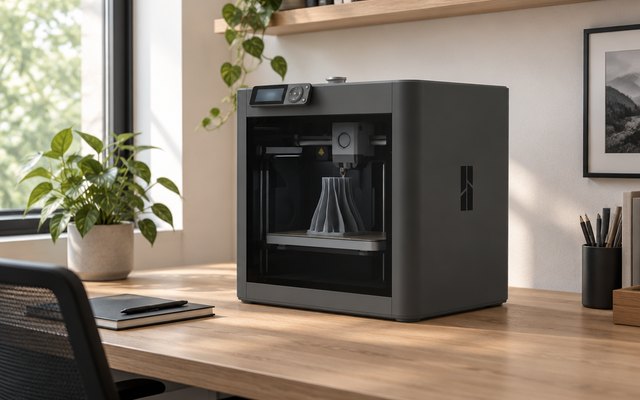
#3Bambu Lab P1S 3D Printer
Over $300
- Closed body for ABS and ASA
- Takes AMS for 16 colors
- Roomy 256mm cube build volume
An enclosed CoreXY printer: the closed body keeps in the warmth that ABS and ASA need, it prints at up to 500mm/s with automatic bed leveling, and it’s ready in about 15 minutes. Add Bambu’s AMS later and it prints in up to 16 colors.
What owners say: Owners print PLA and ABS with very little effort, find it fast and ready to go from the box, and like the auto leveling and the build, though a few had units arrive damaged.
A closer look: Nylon and polycarbonate will print on it too, though Bambu advises against carbon- and glass-fiber blends. Its camera takes a frame every couple of seconds: enough to check on a print from the app and to make timelapses, though not smooth live video.
Best for: Fully enclosed
- Build volume
- 256 × 256 × 256mm
- Top speed
- 500mm/s
- Multicolor
- With AMS (extra)
- Enclosure
- Enclosed
- Camera
- 720p, a frame every 2 seconds
- Slicer software runs on
- Windows, Mac, Linux
- Max nozzle temperature
- 572°F
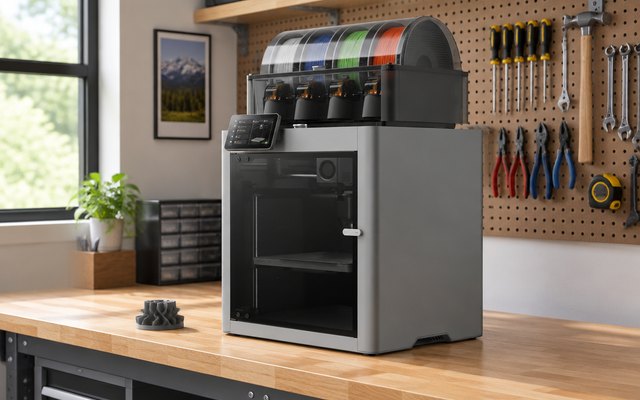
#4Bambu Lab P2S Combo 3D Printer with AMS 2 Pro
Over $300
- Four-spool AMS 2 Pro included
- Keeps its chamber at 122°F
- AI spots failing prints
Bambu’s newer enclosed printer, sold here with the AMS 2 Pro, which feeds four spools for multicolor prints and dries filament at up to 149°F as it goes. It prints at up to 600mm/s, can hold its chamber at 122°F for engineering filaments, and its camera watches for prints going wrong.
What owners say: Owners describe a workhorse that sets up easily and turns out excellent prints, and one finds it more entertaining than most TV shows. Reliability and durability split opinion, with a few reporting faults in the first couple of weeks.
A closer look: Filaments that soak up moisture from the air, such as nylon and PETG, print cleaner when they’re dry, which is where the AMS 2 Pro’s drying earns its place. Ready-made models from MakerWorld’s library open directly in Bambu Studio or the Bambu Handy app, so a first print doesn’t have to start with designing one.
Best for: Drying filament
- Build volume
- 256 × 256 × 256mm
- Top speed
- 600mm/s
- Multicolor
- AMS 2 Pro included (4 spools)
- Enclosure
- Enclosed
- Camera
- 1080p, 30 fps
- Slicer software runs on
- Windows, Mac, Linux
- Max nozzle temperature
- 572°F
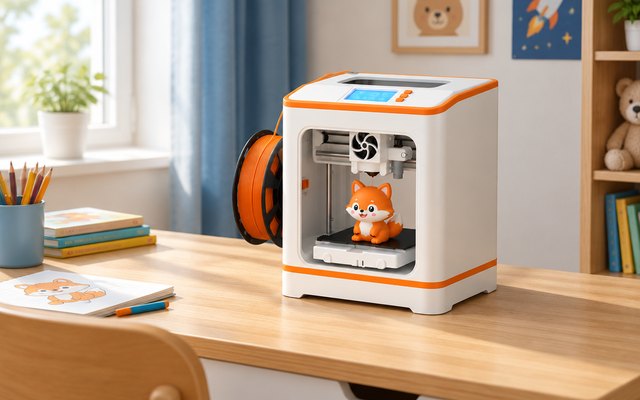
#5Entina Tina2C Mini 3D Printer
$150–$200
- Arrives fully assembled
- Prints over Wi-Fi from an app
- Quick-swap printhead
- Small 100mm print space
- Slow 100mm/s top speed
- Prints PLA and TPU only
A small printer made for children and beginners: it arrives fully built, levels itself, prints from a phone or tablet over Wi-Fi through the PoloPrint Cloud app, and picks up again after a power outage.
What owners say: It’s simple enough for children, owners say, and several mention 8-year-olds using it. Not everyone feels it justifies its price.
A closer look: Its maker asks for younger users to be supervised at all times, and the nozzle runs hot, so keep it on a table an adult can see. The 100mm print space suits figures, keychains and small toys, and with no heated bed it sticks to PLA and TPU.
Best for: Children
- Build volume
- 100 × 100 × 100mm
- Top speed
- 100mm/s
- Multicolor
- No
- Enclosure
- Open frame
- Camera
- No
- Slicer software runs on
- Windows, Mac, Linux, Chromebook
- Max nozzle temperature
- 473°F
Side by side
How they compare
Swipe sideways or rotate device to see all 5.
| Feature | #1Bambu Lab A1 | #2Snapmaker U1 | #3Bambu Lab P1S | #4Bambu Lab P2S Combo | #5Entina Tina2C |
|---|---|---|---|---|---|
| Best overall | |||||
| Picked Rating | 9.1 | 9.0 | 8.8 | 8.7 | 8.4 |
| Price | $200–$300 | Over $300 | Over $300 | Over $300 | $150–$200 |
| Build volume | 256 × 256 × 256mm | 270 × 270 × 270mm | 256 × 256 × 256mm | 256 × 256 × 256mm | 100 × 100 × 100mm |
| Top speed | 500mm/s | 500mm/s | 500mm/s | 600mm/s | 100mm/s |
| Multicolor | With AMS lite (extra) | 4 toolheads | With AMS (extra) | AMS 2 Pro included (4 spools) | No |
| Enclosure | Open frame | Optional top cover | Enclosed | Enclosed | Open frame |
| Camera | Up to 1080p, low frame rate | 2 MP | 720p, a frame every 2 seconds | 1080p, 30 fps | No |
| Slicer software runs on | Windows, Mac, Linux | Windows, Mac, Linux | Windows, Mac, Linux | Windows, Mac, Linux | Windows, Mac, Linux, Chromebook |
| Max nozzle temperature | 572°F | 572°F | 572°F | 572°F | 473°F |
| Best for | Canceling motor noise | Multicolor with little waste | Fully enclosed | Drying filament | Children |
| Buy now | Amazon | Amazon | Amazon | Amazon | Amazon |
How we checked these
How 36 became 5
We found 36 3D printer listings. Eight were the same printer listed again, under another name or in a bundle, and 17 were rated too low and/or had too few ratings to compete. That left 11, which we narrowed down step by step:
- Ratings, reviews and salesFor the 11, we then checked the ratings and reviews further, and how many people buy each one. Owners talked most about how easy they are to set up and use and value for money, then how reliable they are, print quality and speed. After these checks, we dropped two more.9 left
- Features weighed upThe nine left were compared on the biggest piece they can print, top speed, multicolor printing, enclosures, cameras, which computers their software runs on and how hot the nozzle gets. Once everything was weighed up together, we dropped four more.5 made the cut
- Value for moneyEvery 3D printer here is worth what it costs. A dearer one is only here if it gives you more.
Spotted a mistake or something out of date? Tell usBack to top