Top 5 compared
The best digital photo frames
Photos off the phone and onto the shelf, with new ones arriving from family wherever they live.
38 checked · 5 made the cut

As an Amazon Associate we earn from qualifying purchases. It costs you nothing extra. How this works
The top 5 at a glance
A Wi-Fi photo frame plays a slideshow of the pictures stored on it and takes new ones from anyone you let in, so a grandchild’s first steps can be on the kitchen counter a minute after they happen. Photos arrive by email, by text or through the maker’s app. Many of the cheaper frames run Frameo, software from a Danish company that frame brands build in, so one app sends to frames of different makes.
None here charges just to show photos, but video and bigger batches can cost extra, through a paid plan on some frames. Some ask everyone sending photos to make an account; Frameo frames pair with a code from the screen instead.
What matters
- Email for relatives who’d rather not install an app.
- A touchscreen, or a touch bar and app, for pausing and skipping.
- A screen that dims itself as the room gets dark.
- 10 inches suits a shelf; 15 or more reads across a room.
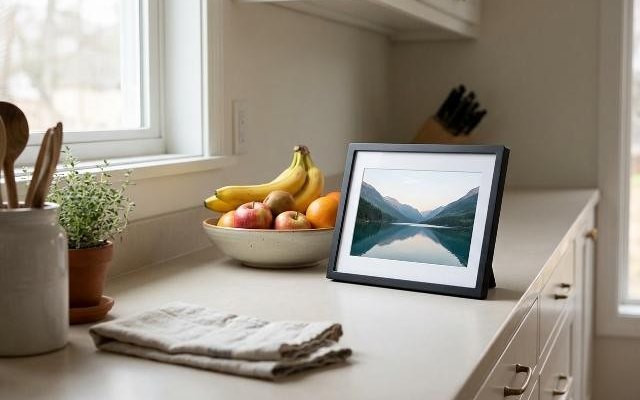
#1Skylight Frame 10-inch Wi-Fi Digital Picture Frame (black)
$100–$150
- Own email address for photos
- Load photos before gifting
- Keeps playing if Wi-Fi drops
- Videos need a paid plan
Each Skylight gets its own email address, so relatives can send a photo from any phone or computer without installing anything, and it turns up on the frame within a minute. The 10-inch touchscreen shows 1280 × 800 pictures, and the frame keeps playing the photos it has stored if the Wi-Fi drops.
What owners say: Photos from family across the country just appear, often as a nice surprise, and owners say anyone can use it. They praise the sharp picture, though a few think it costs more than it should.
A closer look: Choose the frame’s email address during setup and share it with the family: anything attached to an email lands on the screen. Gift Mode lets photos go on before the box is even opened, and because it stores what it receives, the slideshow keeps going through a Wi-Fi outage.
Best for: No app to install
- Screen
- 10 in, 1280 × 800
- Adding photos
- Email or Skylight app
- Storage
- 8GB on the frame
- Account needed
- No, own email address
- Subscription
- Optional Plus, $39/yr
- Video clips
- With Plus, up to 1 min
- Touchscreen
- Yes
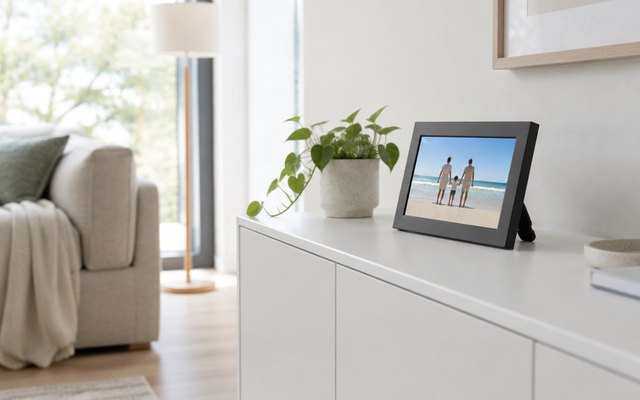
#2Aura Carver 10.1-inch Wi-Fi Digital Picture Frame (Carver Black)
$100–$150
- Photos by email or text
- Takes Google Photos and iCloud
- No subscription for any feature
- No touchscreen, touch bar only
- App senders need Aura accounts
Aura keeps every photo the family adds in its cloud for free, with no limit and no subscription, and takes pictures from Google Photos and iCloud as well as its app, email and text. The 10.1-inch screen adjusts its brightness to the room and plays clips of up to 30 seconds with sound.
What owners say: Setup takes minutes, owners say, and sending and sorting photos from the app is simple. The picture strikes them as very clear and the frame suits a living room; the price divides opinion, and a handful of units have failed.
A closer look: Create an Aura account in the app and the frame pairs with the phone, then invite others to add photos; each of them needs a free account of their own. Portrait pairing sets two upright photos side by side on the wide screen, and the frame turns itself on and off automatically.
Best for: Unlimited free storage
- Screen
- 10.1 in, 1280 × 800
- Adding photos
- Aura app, email or text
- Storage
- Free unlimited cloud
- Account needed
- Yes, Aura account
- Subscription
- None
- Video clips
- Up to 30 s
- Touchscreen
- No
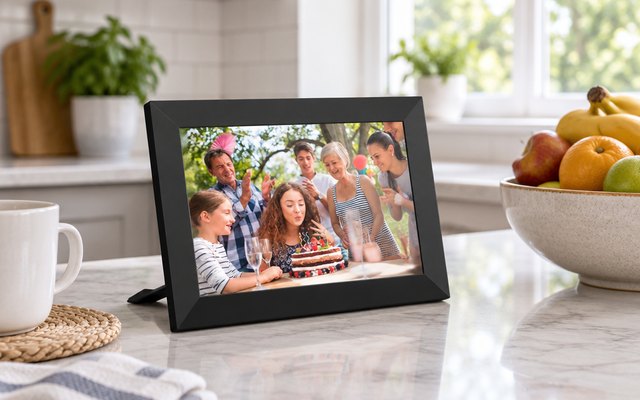
#3AKImart Frameo 10.1-inch Wi-Fi Digital Photo Frame (32GB, black)
$50–$75
- No account, pairs by code
- 32GB plus a microSD slot
- Stands upright or wide
Frameo needs no account: each person installs the free app, types in the code the frame shows, and can send photos and short clips from then on. 32GB holds thousands of pictures, a microSD slot adds more, and a calendar synced from Google, iCloud or Outlook can sit beside the slideshow.
What owners say: Owners enjoy a steady supply of new pictures from family who live far away, and find the Frameo app easy for everyone. Photos look good on the screen, though keeping it connected to Wi-Fi was a struggle for some.
A closer look: Tap the add-friend button on the frame to show a code, which stays valid for 12 hours; each phone enters it once and stays connected. The stand detaches and refits for upright or wide photos, and the pictures rotate to match, so it works on a narrow shelf or a wide desk.
Best for: Showing your calendar
- Screen
- 10.1 in, 1280 × 800
- Adding photos
- Frameo app
- Storage
- 32GB + microSD
- Account needed
- No, pairs with a code
- Subscription
- Optional Frameo+, $16.99/yr
- Video clips
- 15 s (2 min with Frameo+)
- Touchscreen
- Yes
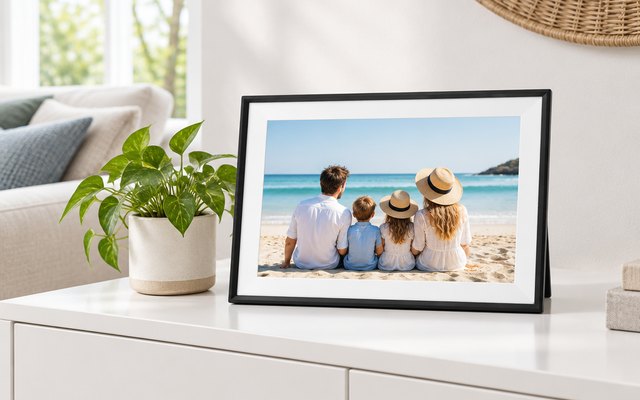
#4AEEZO 10.1-inch Wi-Fi Digital Picture Frame (32GB)
$30–$50
- Light sensor dims the screen
- 32GB plus an SD slot
- Auto-rotates upright or wide
A frame that costs less than the Skylight yet still has a sharp 10.1-inch touchscreen, 32GB of memory and a light sensor that dims the screen as the room gets darker. Photos come in through the AiMOR app, and a Fill Frame mode crops a picture to use the whole screen.
What owners say: It looks more like a picture frame than a screen, owners say, and setup and the menus are simple. Pictures are clear and sending from a phone is easy; several, though, struggled to get it onto their Wi-Fi.
A closer look: Photos on an SD card don’t play straight from the card, so import them into the frame’s memory first. In a bedroom, the light sensor and the sleep schedule keep the screen from glowing all night, and the clock and weather in the corner can be turned off for a cleaner look.
Best for: Dimming in a dark room
- Screen
- 10.1 in, 1280 × 800
- Adding photos
- AiMOR app
- Storage
- 32GB + SD up to 64GB
- Account needed
- Yes, AiMOR sign-up
- Subscription
- Optional AiMOR Plus
- Video clips
- Up to 15 s
- Touchscreen
- Yes
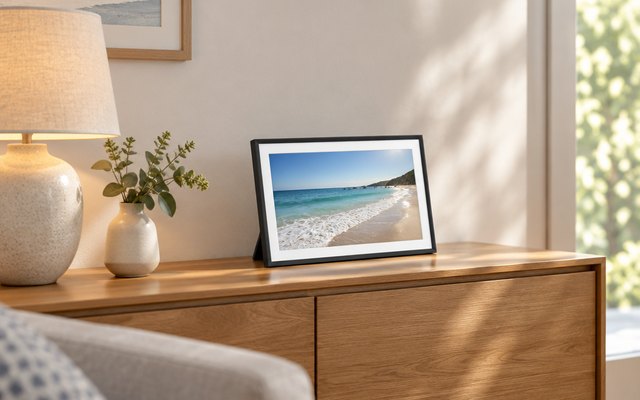
#5Pastigio Frameo 15.6-inch Wi-Fi Digital Picture Frame (32GB)
$75–$100
- 15.6-inch 1080p screen
- Loads photos without Wi-Fi
- No account, pairs by code
At 15.6 inches with a 1920 × 1080 screen, photos are easy to make out from the sofa across the room. It runs Frameo, so a family already sending to a Frameo frame just adds it in the same app, and photos can also go on from an SD card, a USB stick or a Windows computer.
What owners say: The big screen gets the most praise: photos are easy to enjoy from the couch, and the picture is bright and clear. Owners find setup and the Frameo app easy, while a small number saw their frame start to misbehave.
A closer look: Being large, it’s happiest on a wall or a wide dresser rather than a narrow shelf, and photos turn when it stands upright. For anyone in the house who’d rather skip Wi-Fi and apps, load a USB stick formatted as FAT32 on a computer and plug it into the frame.
Best for: Large screen
- Screen
- 15.6 in, 1920 × 1080
- Adding photos
- Frameo app, SD, USB or PC
- Storage
- 32GB + SD or USB
- Account needed
- No, pairs with a code
- Subscription
- Optional Frameo+, $16.99/yr
- Video clips
- 15 s (2 min with Frameo+)
- Touchscreen
- Yes
Side by side
How they compare
Swipe sideways or rotate device to see all 5.
| Feature | #1Skylight 10-inch | #2Aura Carver | #3AKImart Frameo | #4AEEZO 10.1-inch | #5Pastigio 15.6-inch |
|---|---|---|---|---|---|
| Best overall | Best budget | ||||
| Picked Rating | 9.3 | 9.2 | 9.1 | 8.9 | 8.9 |
| Price | $100–$150 | $100–$150 | $50–$75 | $30–$50 | $75–$100 |
| Screen | 10 in, 1280 × 800 | 10.1 in, 1280 × 800 | 10.1 in, 1280 × 800 | 10.1 in, 1280 × 800 | 15.6 in, 1920 × 1080 |
| Adding photos | Email or Skylight app | Aura app, email or text | Frameo app | AiMOR app | Frameo app, SD, USB or PC |
| Storage | 8GB on the frame | Free unlimited cloud | 32GB + microSD | 32GB + SD up to 64GB | 32GB + SD or USB |
| Account needed | No, own email address | Yes, Aura account | No, pairs with a code | Yes, AiMOR sign-up | No, pairs with a code |
| Subscription | Optional Plus, $39/yr | None | Optional Frameo+, $16.99/yr | Optional AiMOR Plus | Optional Frameo+, $16.99/yr |
| Video clips | With Plus, up to 1 min | Up to 30 s | 15 s (2 min with Frameo+) | Up to 15 s | 15 s (2 min with Frameo+) |
| Touchscreen | Yes | No | Yes | Yes | Yes |
| Best for | No app to install | Unlimited free storage | Showing your calendar | Dimming in a dark room | Large screen |
| Buy now | Amazon | Amazon | Amazon | Amazon | Amazon |
How we checked these
How 38 became 5
We found 38 digital photo frame listings. Twelve were the same frame listed again, in another color or under another name, and 12 were rated far too low and/or had too few ratings or sales to compete. That left 14, which we narrowed down step by step:
- Ratings, reviews and salesFor the 14, we then checked the ratings and reviews further, and how many people buy each one. Owners talked most about picture quality and how easy they are to set up and use, then the Wi-Fi connection, whether they keep working and value for money. After these checks, we dropped two more.12 left
- Features weighed upThe 12 left were compared on the screen, how photos are added, storage, whether an account is needed, subscriptions, video clips and touchscreens. Once everything was weighed up together, we dropped seven more. We used the makers’ own figures for two of the five here. The Pastigio is here too because it is the only frame on the list with a 15.6-inch screen.5 made the cut
- Value for moneyEvery digital photo frame here is worth what it costs. A dearer one is only here if it gives you more.
Spotted a mistake or something out of date? Tell usBack to top


