Top 5 compared
The best monitor arms
The screen up at eye level, then pushed back out of the way whenever you need the desk.
38 checked · 5 made the cut
As an Amazon Associate we earn from qualifying purchases. It costs you nothing extra. How this works
The top 5 at a glance
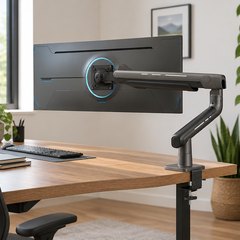
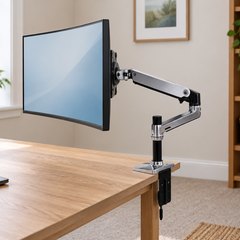
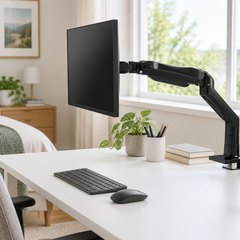
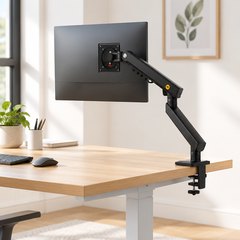
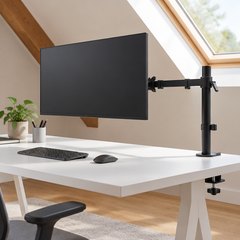
An arm fixes to the desk with a clamp on its edge, or a bolt through a cable hole, and carries the screen on a jointed arm that can raise it, pull it closer, tilt it or turn it on its side. Most balance the screen on a spring or counterbalance, so it moves with a light push and is made to stay where it’s left.
Every arm here takes the VESA 75 and 100mm screw patterns and fits with a clamp or through a grommet hole. Each states the screen weight it carries, without its stand: on a spring arm, too heavy and the screen slowly sinks, too light and it drifts up.
What matters
- A clamp range that matches your desk’s thickness.
- Tension you can adjust with the screen in place.
- Cable routing along the arm, to keep wires out of sight.
#1HUANUO TitanLift Heavy Duty Monitor Arm
$75–$100
- Holds screens to 44 lb
- Takes screens to 49 in
- Quick-release VESA head
- Minimum screen weight 6.6 lb
- Wooden desks only, no crossbar
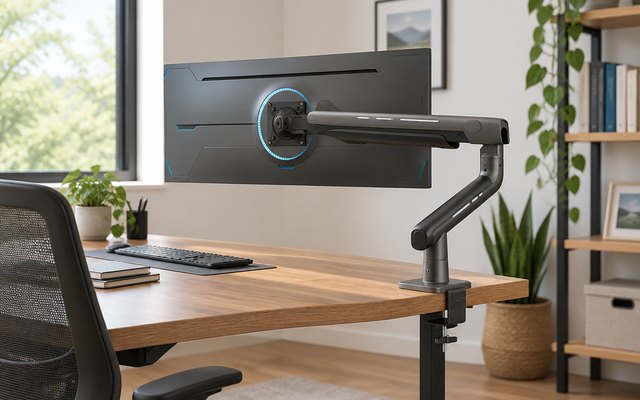
A heavy-duty arm for big screens: it holds 6.6 to 44 lb and screens from 17 to 49 inches, so a super-ultrawide that would sink a normal arm stays where it’s put. Thick aluminum arms ride on a mechanical spring, and the VESA head lets the screen drop on in one move.
What owners say: One owner runs a 49-inch super-ultrawide on it with no trouble, and several hang 45-inch ultrawides from it with ease. Height, angle and position all adjust smoothly and the arm doesn’t wobble, and it leaves the desk looking clean.
A closer look: Set the tension with the Allen wrench in the side bolt once the screen is on, turning until the monitor stays wherever it’s left. Screens up to 35 inches can be turned to portrait; anything wider stays landscape. It’s more arm than a light office monitor needs; one of those is better on the NB or the Amazon Basics.
Best for: Ultrawide screens
- Screen sizes
- 17–49in
- Screen weight
- 6.6–44 lb
- Holds the screen with
- Mechanical spring
- Clamp fits desks
- 0.8–3.5in
- Tilt
- ±50°
- Tension set with the screen on
- Yes
- Cable routing along the arm
- Yes
#2Ergotron LX Single Monitor Arm (45-241-026)
$150–$200
- Ten-year warranty
- Reaches out to 25 in
- Holds screens to 25 lb
- Minimum screen weight 7 lb
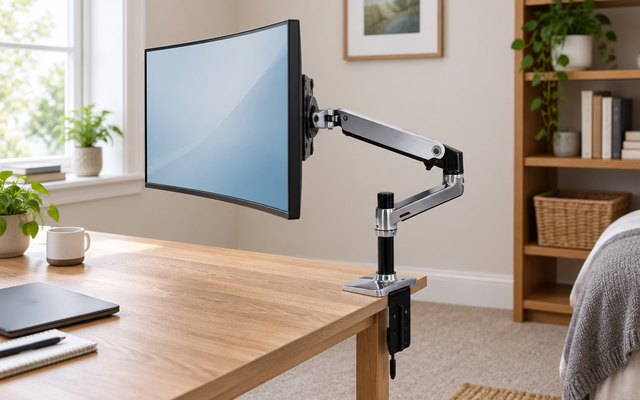
Built for heavier screens and long service: it holds 7 to 25 lb and screens up to 34 inches, reaches out to 25 in, and Ergotron backs it with a 10-year warranty.
What owners say: Heavy monitors are where it shines: the aluminum arm shows no sign of sagging, it goes on in about ten minutes, and the screen holds firm in whatever spot it’s pushed to.
A closer look: Constant Force is Ergotron’s counterbalance, made so the screen glides with a light touch once the tension matches its weight. Below 7 lb a screen drifts up rather than staying put, so very light monitors suit the NB better. Both bases come in the box, so a desk with a cable hole can take the grommet instead of the clamp.
Best for: Longest reach
- Screen sizes
- Up to 34in
- Screen weight
- 7–25 lb
- Holds the screen with
- Counterbalance (Ergotron’s Constant Force)
- Clamp fits desks
- 0.4–2.4in
- Tilt
- +70° / −5°
- Tension set with the screen on
- –
- Cable routing along the arm
- Yes
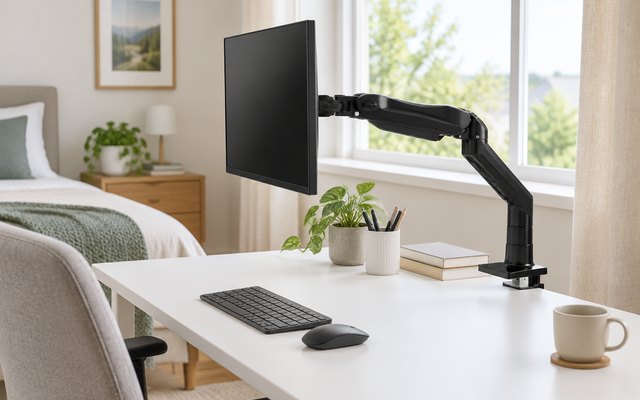
#3HUANUO FlowLift Single Monitor Mount
$30–$50
- Moves with a light push
- Arrives in one piece
A gas-spring arm for the everyday monitor: it carries 13 to 32-inch screens of 4.4 to 19.8 lb, lifts them with one hand to about 15.6 inches above the desk, and holds whatever height and angle they’re left at. A clamp and a grommet base both come in the box.
What owners say: It suits 24 to 32-inch screens well, owners say, with smooth movement in every direction and tidy cable routing. Steadiness is where they part ways: rock solid for some, while others find the arm wobbles or the base tips as the screen moves.
A closer look: It arrives as one piece, so fitting takes three steps: clamp the base, hang the screen and set the tension to its weight. HUANUO says the design has been through 20,000 motion tests, which suits a screen that’s pushed aside and pulled back every day.
Best for: Gas-spring lift
- Screen sizes
- 13–32in
- Screen weight
- 4.4–19.8 lb
- Holds the screen with
- Gas spring
- Clamp fits desks
- 0.59–3.54in
- Tilt
- +85° / −50°
- Tension set with the screen on
- Yes
- Cable routing along the arm
- Yes
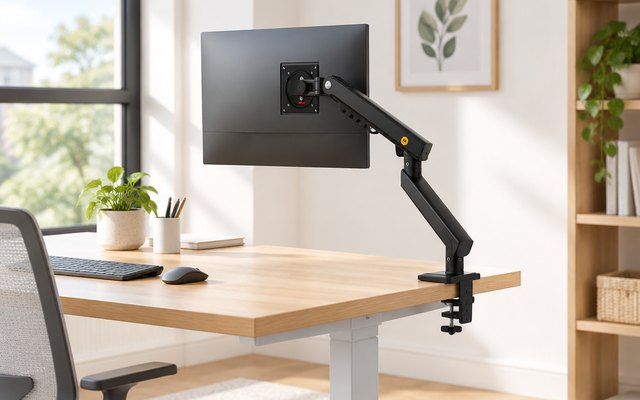
#4NB SmooVex A5 Monitor Arm (black)
$30–$50
- Quick-release VESA plate
- Tension window on the arm
- Cable routing along the arm
A slim arm on a mechanical spring rather than a gas strut, with a little window that shows the tension, for 17 to 32-inch screens of 4.4 to 19.8 lb. The VESA plate screws to the monitor and then clicks onto the arm, so lifting the screen on and off is a one-person job.
What owners say: Most have it fitted in under ten minutes, one as part of a six-monitor setup. It holds the screen solid with no wobble, moves with little effort and the slim arm saves room. Some found the main screw wouldn’t thread into the base.
A closer look: Start the main bolt by hand so it runs straight into the base before tightening, which avoids the cross-threading some owners ran into. Turned to portrait, the screen shows a whole page of a document or a long run of code.
Best for: Seeing the tension setting
- Screen sizes
- 17–32in
- Screen weight
- 4.4–19.8 lb
- Holds the screen with
- Mechanical spring
- Clamp fits desks
- –
- Tilt
- +90° / −25°
- Tension set with the screen on
- –
- Cable routing along the arm
- Yes
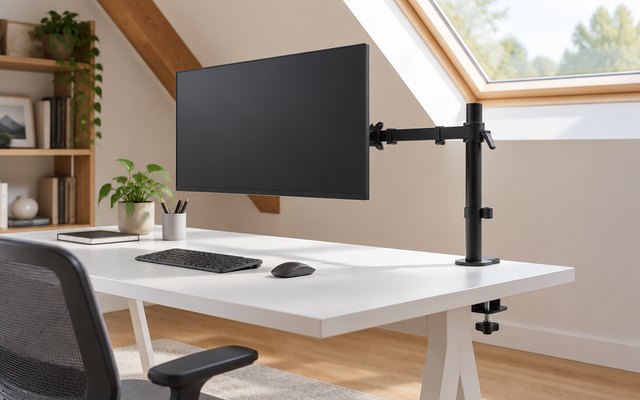
#5Amazon Basics Adjustable Single Monitor Arm
$20–$30
- Clamp opens to 4.25 in
- Takes 38 in ultrawides
- VESA spacers in the box
A steel arm for screens up to 32 inches (or 38-inch ultrawides) weighing up to 22 lb, and its clamp fits desks up to 4.25 inches thick. It swivels 90° either way and rotates a full circle, portrait included.
What owners say: Clear instructions make for a straightforward install, and one owner’s 27-inch screen sits on it without wobbling. Smoothness is the split: very adjustable to some, while others say it doesn’t move as freely as they’d like.
A closer look: The tension is set by hand to suit the screen, so expect to tighten the joints a little after fitting, until the screen stops drifting. Amazon Basics suggests spacers where a monitor’s mounting holes sit deep in its back.
Best for: Thick desks
- Screen sizes
- Up to 32in (38in ultrawide)
- Screen weight
- Up to 22 lb
- Holds the screen with
- –
- Clamp fits desks
- 0.39–4.25in
- Tilt
- +90° / −45°
- Tension set with the screen on
- Yes
- Cable routing along the arm
- –
Side by side
How they compare
Swipe sideways or rotate device to see all 5.
| Feature | #1HUANUO TitanLift | #2Ergotron LX | #3HUANUO FlowLift | #4NB SmooVex | #5Amazon Basics |
|---|---|---|---|---|---|
| Best overall | Best premium | Best budget | |||
| Picked Rating | 9.3 | 9.2 | 9.0 | 9.0 | 8.7 |
| Price | $75–$100 | $150–$200 | $30–$50 | $30–$50 | $20–$30 |
| Screen sizes | 17–49in | Up to 34in | 13–32in | 17–32in | Up to 32in (38in ultrawide) |
| Screen weight | 6.6–44 lb | 7–25 lb | 4.4–19.8 lb | 4.4–19.8 lb | Up to 22 lb |
| Holds the screen with | Mechanical spring | Counterbalance (Ergotron’s Constant Force) | Gas spring | Mechanical spring | – |
| Clamp fits desks | 0.8–3.5in | 0.4–2.4in | 0.59–3.54in | – | 0.39–4.25in |
| Tilt | ±50° | +70° / −5° | +85° / −50° | +90° / −25° | +90° / −45° |
| Tension set with the screen on | Yes | – | Yes | – | Yes |
| Cable routing along the arm | Yes | Yes | Yes | Yes | – |
| Best for | Ultrawide screens | Longest reach | Gas-spring lift | Seeing the tension setting | Thick desks |
| Buy now | Amazon | Amazon | Amazon | Amazon | Amazon |
How we checked these
How 38 became 5
We found 38 monitor arm listings. Four were the same arm listed again or in another color, and 12 were rated too low and/or had too few ratings to compete. Nine were outside what this list covers: they were made to hold two screens. That left 13, which we narrowed down step by step:
- Ratings, reviews and salesFor the 13, we then checked the ratings and reviews further, and how many people buy each one. Owners talked most about how sturdy they are, how well they adjust and value for money, then how easy they are to fit. After these checks, we dropped one more.12 left
- Features weighed upThe 12 left were compared on screen sizes, screen weight, what holds the screen up, the desks the clamp fits, tilt, setting the tension with the screen on, and cable routing along the arm. Once everything was weighed up together, we dropped seven more. The #1 has every feature you’d expect from a monitor arm.5 made the cut
- Value for moneyEvery monitor arm here is worth what it costs. A dearer one is only here if it gives you more.
- Safe to buyEvery brand on this list was checked for safety recalls. None of these five monitor arms has one.
Spotted a mistake or something out of date? Tell usBack to top