Top 5 compared
The best printers
Forms, boarding passes, homework and the occasional photo, printed, scanned or copied at home.
37 checked · 5 made the cut

As an Amazon Associate we earn from qualifying purchases. It costs you nothing extra. How this works
The top 5 at a glance
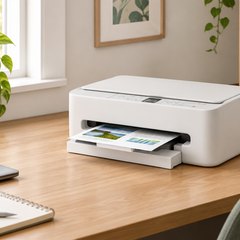
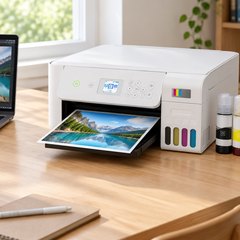
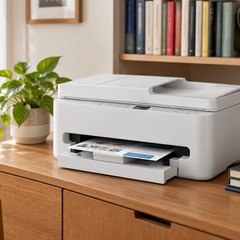

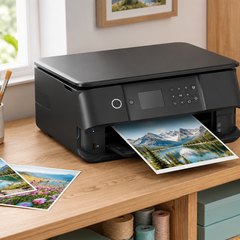
A home all-in-one is an inkjet printer with a scanner glass under the lid, and it takes jobs over Wi-Fi from a phone, a tablet or a computer. Most run on cartridges made by the printer’s maker, either one for each color, or a black and a single tri-color one that’s replaced whole; an ink tank printer takes its ink from bottles instead.
Cartridge printers cost less to buy, and the ink is where most of the running cost lies. An ink tank costs more at the start, and Epson says its bottled ink works out cheaper per page. The speeds in the table are the makers’ own figures for black pages. Every one here takes 100 sheets in its main tray and prints from iPhone, Android, Windows and Mac.
What matters
- Automatic two-sided printing, for long documents and school packets.
- A document feeder for scanning or copying several pages at once.
- A photo tray and photo black ink, for regular photo printing.
- Whether the printer accepts other brands’ ink or cartridges.
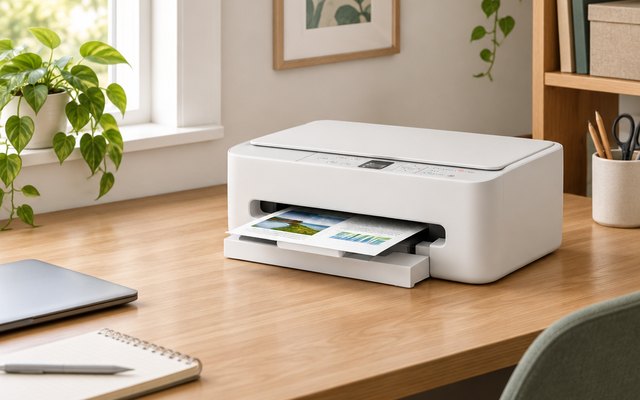
#1Canon PIXMA TS6520 Wireless All-in-One Printer
$75–$100
- Automatic two-sided printing
- Pigment black ink cartridge
- 14 black pages a minute
A compact color all-in-one that prints, scans and copies, prints on both sides of the page by itself and handles borderless photos up to letter size. Canon pairs a pigment black cartridge for sharp text with a tri-color one, and dual-band Wi-Fi keeps it connected.
What owners say: Text and pictures come out crisp, owners say, and it fits a small space and handles double-sided pages well. The Wi-Fi link drops for some, and opinions split on ink costs and color prints.
A closer look: The 1.42-inch screen shows ink levels and status, while the Canon PRINT app, AirPrint or Mopria handle printing from a phone. With one tri-color cartridge, the whole cartridge is replaced when any of its three colors runs low, so heavy color printing suits a separate-ink model better.
Best for: Sharp black text
- Black print speed
- 14 ppm
- Two-sided printing
- Yes
- Document feeder
- No
- Photo tray
- No
- Inks
- Canon PG-295 black + CL-286 tri-color
- Other brands’ ink
- –
- Prints from
- iPhone, Android, Windows, Mac, Chromebook
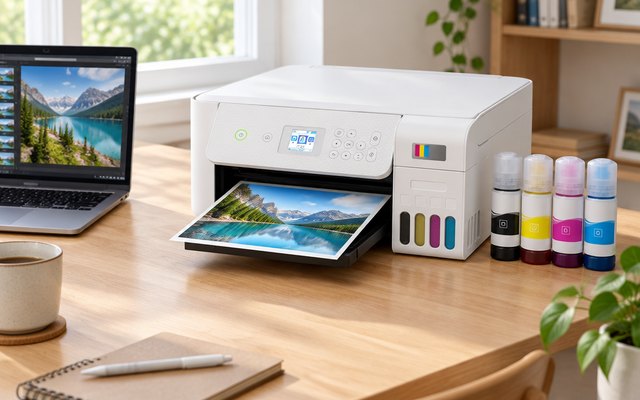
#2Epson EcoTank ET-2803 Wireless All-in-One Supertank Printer
$150–$200
- Bottles print 4,500 black pages
- Up to two years’ ink
- Color screen for copying
- No automatic two-sided printing
No cartridges at all: the EcoTank is filled from bottles of ink, and Epson says the bottles in the box hold up to two years of ink. It prints, scans and copies from a flatbed, and by Epson’s figures a set of replacement bottles is good for up to 4,500 black or 7,500 color pages.
What owners say: Setup is simple, owners report, and sending pages to it over Wi-Fi works well for most. Print quality, reliability and value get mixed verdicts, and several warn of compatibility trouble.
A closer look: Buying it means buying a lot of ink up front, so it makes most sense for a household that prints often, from homework packets to flyers. Two-sided pages mean turning the stack over by hand, and the color screen walks through copying without a computer. Fill it only with Epson’s 522 bottles, as Epson warns that other ink could cause damage its warranty doesn’t cover.
Best for: Refilling from bottles
- Black print speed
- 10 ppm
- Two-sided printing
- No
- Document feeder
- No
- Photo tray
- No
- Inks
- Epson 522 bottles: black, cyan, magenta, yellow
- Other brands’ ink
- Epson’s warranty won’t cover damage
- Prints from
- iPhone, Android, Windows, Mac, Chromebook
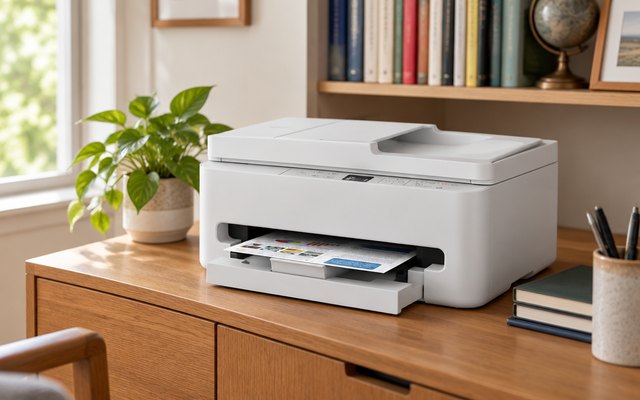
#3Canon PIXMA TR7120 Wireless All-in-One Printer
$75–$100
- Document feeder for page stacks
- Automatic two-sided printing
- Dual-band 2.4 and 5GHz Wi-Fi
Canon’s compact all-in-one with a document feeder on top, so a stack of pages scans or copies in one go instead of a sheet at a time on the glass. It also prints both sides of the page by itself and uses the same two cartridges as the TS6520.
What owners say: Owners find it easy to set up, sharp enough for documents and photos, and quicker than they expected. Its Wi-Fi and reliability split opinion, and a few wish the paper tray were bigger and took legal-size sheets.
A closer look: Load multi-page contracts and tax forms in the feeder and keep the glass for photos, receipts and pages from a book. It suits a home office or a family that keeps a lot of paperwork, while anyone who rarely scans can get by with a simpler model.
Best for: Multi-page scanning
- Black print speed
- 14 ppm
- Two-sided printing
- Yes
- Document feeder
- Yes
- Photo tray
- No
- Inks
- Canon PG-295 black + CL-286 tri-color
- Other brands’ ink
- –
- Prints from
- iPhone, Android, Windows, Mac, Chromebook
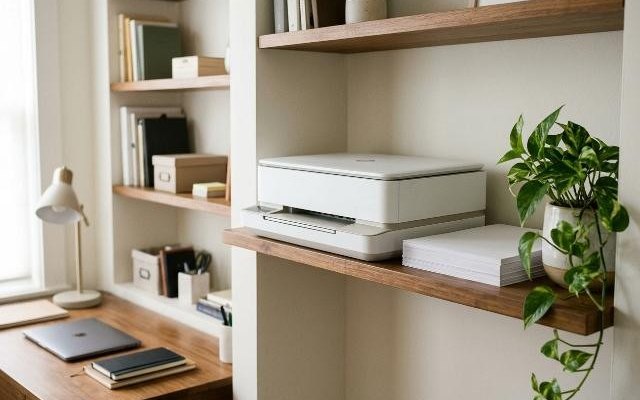
#4HP Envy 6155 Wireless All-in-One Printer
$150–$200
- Automatic two-sided printing
- Color touchscreen, 2.4 inches
- Wi-Fi repairs its own dropouts
- Blocks non-HP chip cartridges
A 2.4-inch color touchscreen, borderless photo printing and automatic two-sided pages, plus dual-band Wi-Fi that HP says spots and fixes connection problems by itself. Three months of Instant Ink come with it.
What owners say: Print quality and an easy setup earn owners’ praise, and its compact body suits a home office. Wi-Fi and speed vary: quick, trouble-free prints for some, a sluggish connection for others.
A closer look: Order HP 68 refills early or sign up for Instant Ink, since the setup cartridges in the box are small, about 120 black and 75 color pages by HP’s figures. The HP app also scans and sends faxes from a phone, and HP AI trims web pages before they print.
Best for: Ink delivered by subscription
- Black print speed
- 10 ppm
- Two-sided printing
- Yes
- Document feeder
- No
- Photo tray
- No
- Inks
- HP 68 black + HP 68 tri-color
- Other brands’ ink
- Blocked: needs HP chips
- Prints from
- iPhone, Android, Windows, Mac, Chromebook, Linux
#5Epson Expression Premium XP-6100 All-in-One Printer
$75–$100
- Separate cartridge for each color
- 15-second 4×6 photo prints
- Separate 20-sheet photo tray
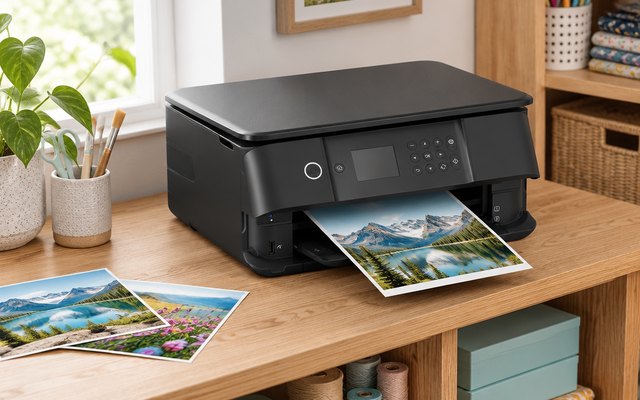
Five individual inks, a photo black among them, make this the Epson for photos: 4 × 6 in prints in as little as 15 seconds, a separate photo tray, and it prints on CDs and DVDs too. Epson takes its name from the EP-101 of 1968, the first electronic mini-printer: the next generation was ‘son of EP’.
What owners say: Owners are happiest with its photos and like its small footprint. Setup and staying on Wi-Fi went smoothly for some and were a struggle for others, and several say the cartridges run out quickly.
A closer look: Each color has its own cartridge, so only the one that runs out needs replacing, and Epson’s 302XL versions hold more for heavier use. Run a nozzle check after a few weeks unused, and keep glossy photo paper in the photo tray so it’s ready beside the plain paper.
Best for: Photo printing
- Black print speed
- 15.8 ppm
- Two-sided printing
- Yes
- Document feeder
- No
- Photo tray
- 20 sheets
- Inks
- Epson 302: black, photo black, cyan, magenta, yellow
- Other brands’ ink
- Epson’s warranty won’t cover damage
- Prints from
- iPhone, Android, Windows, Mac (Chromebook not stated)
Side by side
How they compare
Swipe sideways or rotate device to see all 5.
| Feature | #1Canon PIXMA TS6520 | #2Epson EcoTank ET-2803 | #3Canon PIXMA TR7120 | #4HP Envy 6155 | #5Epson XP-6100 |
|---|---|---|---|---|---|
| Best overall | |||||
| Picked Rating | 8.3 | 8.2 | 8.1 | 7.9 | 7.8 |
| Price | $75–$100 | $150–$200 | $75–$100 | $150–$200 | $75–$100 |
| Black print speed | 14 ppm | 10 ppm | 14 ppm | 10 ppm | 15.8 ppm |
| Two-sided printing | Yes | No | Yes | Yes | Yes |
| Document feeder | No | No | Yes | No | No |
| Photo tray | No | No | No | No | 20 sheets |
| Inks | Canon PG-295 black + CL-286 tri-color | Epson 522 bottles: black, cyan, magenta, yellow | Canon PG-295 black + CL-286 tri-color | HP 68 black + HP 68 tri-color | Epson 302: black, photo black, cyan, magenta, yellow |
| Other brands’ ink | – | Epson’s warranty won’t cover damage | – | Blocked: needs HP chips | Epson’s warranty won’t cover damage |
| Prints from | iPhone, Android, Windows, Mac, Chromebook | iPhone, Android, Windows, Mac, Chromebook | iPhone, Android, Windows, Mac, Chromebook | iPhone, Android, Windows, Mac, Chromebook, Linux | iPhone, Android, Windows, Mac (Chromebook not stated) |
| Best for | Sharp black text | Refilling from bottles | Multi-page scanning | Ink delivered by subscription | Photo printing |
| Buy now | Amazon | Amazon | Amazon | Amazon | Amazon |
How we checked these
How 37 became 5
We found 37 printer listings. Sixteen were rated too low and/or had too few ratings to compete. Seven were outside what this list covers: six were black-and-white laser printers, and one was a portable printer. That left 14, which we narrowed down step by step:
- Ratings, reviews and salesFor the 14, we then checked the ratings and reviews further, and how many people buy each one. Owners talked most about print quality, the Wi-Fi connection and how easy they are to set up, then value for money and speed. After these checks, we dropped two more.12 left
- Features weighed upThe 12 left were compared on black print speed, two-sided printing, document feeders, photo trays, the inks they use, whether they take other brands’ ink and what they print from. Once everything was weighed up together, we dropped seven more. The Epson XP-6100 is here too because it is the only printer on the list with a photo tray.5 made the cut
- Value for moneyEvery printer here is worth what it costs. A dearer one is only here if it gives you more.
- Who sells itEvery seller was checked. Each printer is sold new and shipped from the US.
- Safe to buyEvery brand on this list was checked for safety recalls. None of these five printers has one.
Spotted a mistake or something out of date? Tell usBack to top


