Top 5 compared
The best streaming devices
Shows and movies from all your streaming apps on the big TV, found by voice from the couch.
40 checked · 5 made the cut
As an Amazon Associate we earn from qualifying purchases. It costs you nothing extra. How this works
The top 5 at a glance
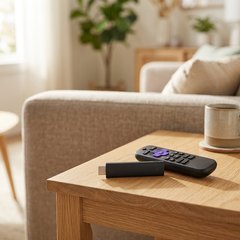
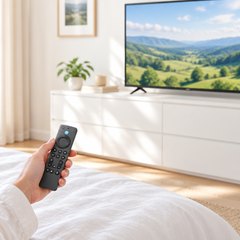
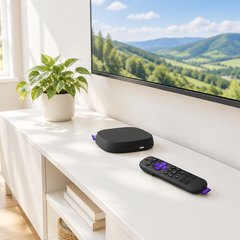
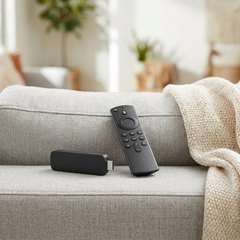
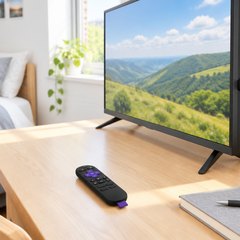
A streaming stick or box plugs into the TV’s HDMI port and brings Netflix, Prime Video, Disney+, YouTube and free live channels together under one remote, which makes it the easiest upgrade for an older TV. Roku’s home screen is a plain grid of the apps you pick; Fire TV puts Amazon’s own shows first and answers to Alexa. A stick hides behind the TV, while a box sits on the shelf and can carry more connections.
A voice remote comes with each, and each of those remotes also runs the TV’s power and volume. Dolby Atmos sound only matters with a soundbar or receiver that plays it, and the newest Wi-Fi needs a router to match before it helps. Mirroring an Android screen needs Miracast on the phone, which most have, though Roku says Google’s Pixels don’t.
What matters
- A 4K device with the HDR format your TV supports.
- A wired Ethernet port, if the router is rooms away.
- Headphone listening, if others sleep nearby.
#1Roku Streaming Stick 4K with Voice Remote
$50–$75
- Long-range Wi-Fi in the cable
- Dolby Vision and HDR10+
- AirPlay from Apple devices
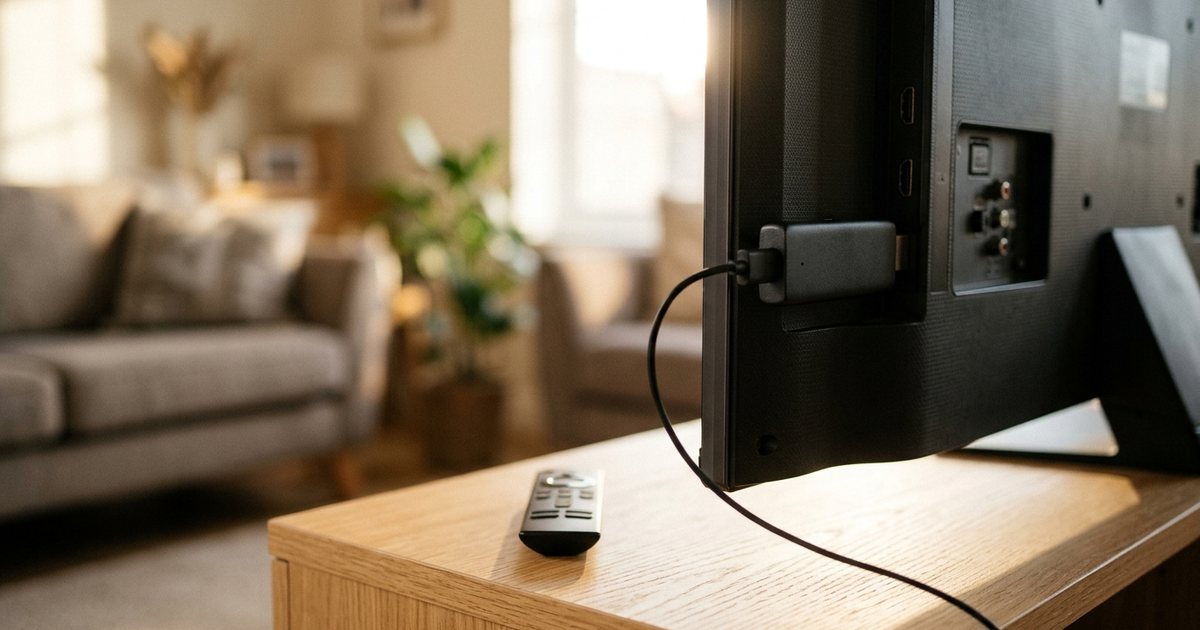
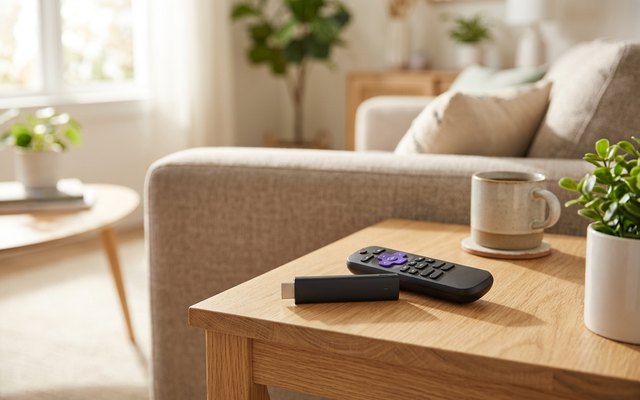
Roku’s home screen shows the apps you choose in 4K with Dolby Vision and HDR10+, and a long-range Wi-Fi receiver reaches a TV a few rooms from the router. The stick tucks behind the set without blocking the HDMI port next to it.
What owners say: Owners find it quick, with no lag while streaming and a fast start-up, and they like how easy the menus are to find their way around; many rate it above a Fire TV Stick. The remote and the Wi-Fi connection get mixed reports, and several had one fail, some within hours and others after about ten months.
A closer look: Built into the USB power cable is the long-range Wi-Fi receiver, so use that cable and the adapter in the box rather than a spare one. AirPlay lets an iPhone or Mac send photos and videos straight to the screen, and a free Roku app on your phone can stand in for the remote.
Best for: Long Wi-Fi reach
- Max resolution
- 4K at 60fps
- HDR formats
- Dolby Vision, HDR10+
- Wi-Fi
- Wi-Fi 5, long-range
- Dolby Atmos
- –
- Ethernet
- No
- Headphone listening
- Roku phone app, not Bluetooth
- From a phone
- AirPlay, Android mirroring
- Smart home
- Alexa, Google Home, Apple Home
#2Amazon Fire TV Stick 4K Max (newest model)
$75–$100
- Wi-Fi 6E support
- 16GB for apps and games
- Dolby Atmos sound
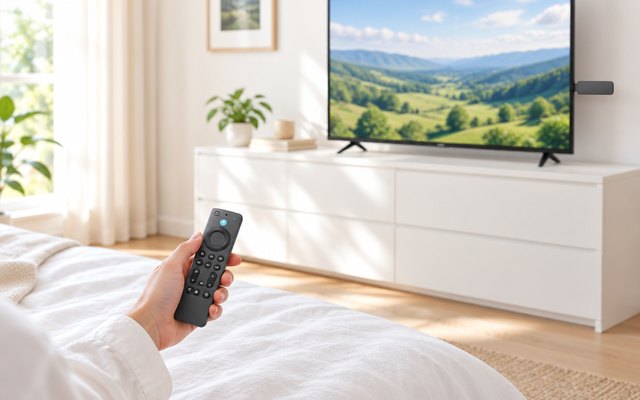
The quickest Fire TV Stick, for homes already built around Prime Video and Alexa: a 2.0GHz quad-core processor, Wi-Fi 6E and 16GB of storage keep apps snappy, and the Alexa Voice Remote Enhanced adds a recent-apps button and channel buttons for live TV.
What owners say: Picture and sound get the most praise, along with smooth menus and an easy setup, and owners point out how much it saves against a cable bill. The remote divides them: quick to respond for some, while others say theirs stopped working within a month.
A closer look: Ambient Experience turns the screen into a picture frame when nobody’s watching, showing art and photography from a collection of over 2,000 pieces. Wi-Fi 6E only pays off with a router that broadcasts on the 6GHz band, and the 16GB of storage leaves room for more apps, games and downloads.
Best for: Showing art when idle
- Max resolution
- 4K at 60fps
- HDR formats
- Dolby Vision, HDR10+
- Wi-Fi
- Wi-Fi 6E
- Dolby Atmos
- Yes
- Ethernet
- No
- Headphone listening
- Bluetooth headphones
- From a phone
- Android mirroring, no AirPlay
- Smart home
- Alexa, built in
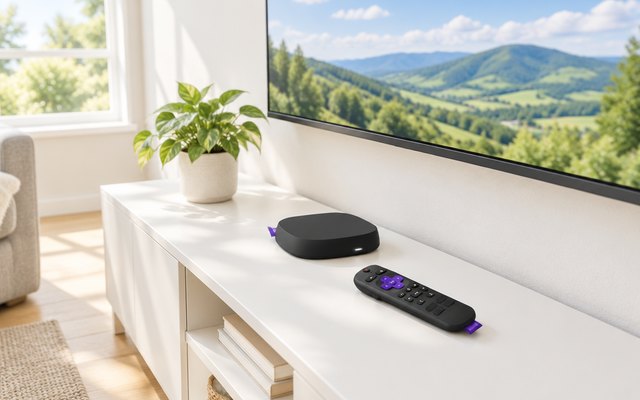
#3Roku Ultra (4800R) with Voice Remote and Headphones
$100–$150
- Built-in Ethernet port
- Finds a lost remote
- Earbuds for private listening
- No HDR10+ support
A box for the main TV in a home theater: Dolby Vision picture, Dolby Atmos sound, an Ethernet port for a wired connection and a USB port for playing your own videos from a drive. Press the button on the box and a lost remote plays a sound.
What owners say: Owners say it sets up easily and the picture looks excellent. The Wi-Fi gets good marks, though some had trouble over a wired Ethernet connection, and both the remote and the price draw mixed views, with a few remotes giving out.
A closer look: Run an Ethernet cable from the router if the TV is a long way from it; the port is the 10/100 kind, which is plenty for 4K streams. The earbuds in the box plug into the remote for late-night viewing without waking the house, and a premium HDMI cable comes in the box too. Roku has since brought out the 2024 Ultra, with HDR10+, Wi-Fi 6 and a backlit, rechargeable remote, but this earlier model is still sold new.
Best for: Wired internet
- Max resolution
- 4K at 60fps
- HDR formats
- Dolby Vision, HDR10
- Wi-Fi
- Wi-Fi 5
- Dolby Atmos
- Yes
- Ethernet
- 10/100
- Headphone listening
- Earbuds in the remote, Bluetooth or the Roku app
- From a phone
- AirPlay, Android mirroring
- Smart home
- Alexa, Google Home, Apple Home
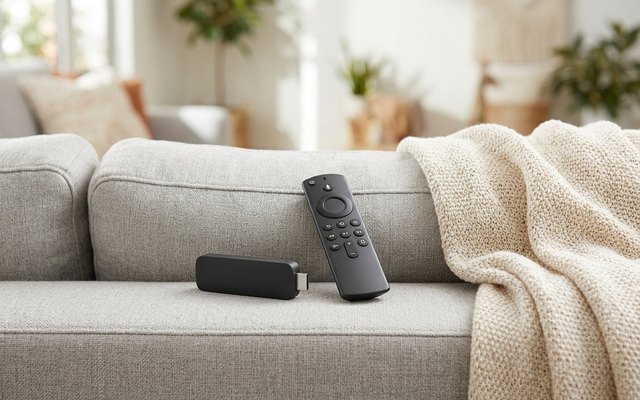
#4Amazon Fire TV Stick 4K Plus
$50–$75
- Wi-Fi 6 support
- Dolby Atmos sound
- Xbox and Luna cloud gaming
A Fire TV Stick with 4K, Dolby Vision, HDR10+ and Dolby Atmos sound, Wi-Fi 6, and Amazon’s Alexa Voice Remote for finding shows by voice or dimming compatible smart lights from the couch.
What owners say: Setup is quick, and owners describe the picture as crystal clear and say it runs smoothly. The remote and how well it works with some TVs and Wi-Fi networks draw mixed reports, a few found it quit after several weeks, and opinion is split on whether it was worth buying.
A closer look: Preset buttons on the remote jump straight to the big streaming apps, and its power and volume keys work the TV, a soundbar or an A/V receiver over infrared. Wi-Fi 6 helps most in a busy house where phones and laptops share the router, as long as the router is Wi-Fi 6 too.
Best for: Alexa in the remote
- Max resolution
- 4K at 60fps
- HDR formats
- Dolby Vision, HDR10+
- Wi-Fi
- Wi-Fi 6
- Dolby Atmos
- Yes
- Ethernet
- No
- Headphone listening
- Bluetooth headphones
- From a phone
- Android mirroring, no AirPlay
- Smart home
- Alexa, built in
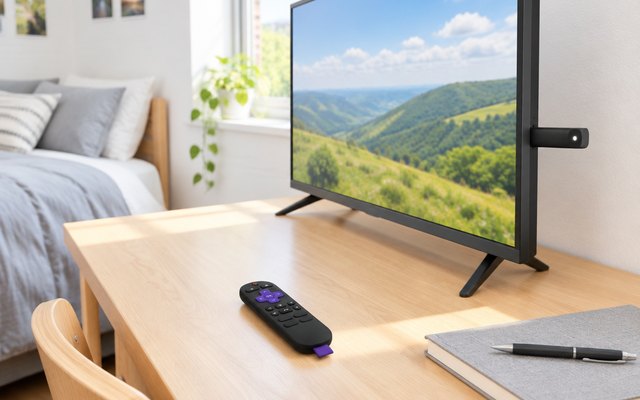
#5Roku Streaming Stick HD with Voice Remote
$30–$50
- Powered from the TV’s USB
- Listen on Bluetooth headphones
- AirPlay from Apple devices
- Plays up to 1080p, no HDR
- Wi-Fi 4 only
The simplest way to stream on an HD TV: a small stick, Roku’s uncluttered home screen and a voice remote whose power and volume buttons work the TV too, so one remote does the job. It suits a bedroom, kitchen or older living-room TV that tops out at 1080p.
What owners say: Owners find it easy to set up and say it gets along with a wide range of TVs and streaming services, with a big choice of shows and movies. Opinions on the voice remote and the connection are split, and while some have had no problems, others report crashes.
A closer look: With no power brick to find room for, it’s easy to move to a bedroom TV or pack for a trip, and it carries your own sign-ins so there’s no logging in on a hotel TV. Setup takes a few minutes: plug it into HDMI, join the Wi-Fi and sign in to each app once.
Best for: No outlet needed
- Max resolution
- 1080p
- HDR formats
- None
- Wi-Fi
- Wi-Fi 4
- Dolby Atmos
- –
- Ethernet
- No
- Headphone listening
- Bluetooth, or the Roku app
- From a phone
- AirPlay, Android mirroring
- Smart home
- Alexa, Google Home, Apple Home
Side by side
How they compare
Swipe sideways or rotate device to see all 5.
| Feature | #1Roku Streaming Stick 4K | #2Fire TV Stick 4K Max | #3Roku Ultra | #4Fire TV Stick 4K Plus | #5Roku Streaming Stick HD |
|---|---|---|---|---|---|
| Best overall | Best budget | ||||
| Picked Rating | 9.2 | 9.1 | 9.1 | 9.0 | 9.0 |
| Price | $50–$75 | $75–$100 | $100–$150 | $50–$75 | $30–$50 |
| Max resolution | 4K at 60fps | 4K at 60fps | 4K at 60fps | 4K at 60fps | 1080p |
| HDR formats | Dolby Vision, HDR10+ | Dolby Vision, HDR10+ | Dolby Vision, HDR10 | Dolby Vision, HDR10+ | None |
| Wi-Fi | Wi-Fi 5, long-range | Wi-Fi 6E | Wi-Fi 5 | Wi-Fi 6 | Wi-Fi 4 |
| Dolby Atmos | – | Yes | Yes | Yes | – |
| Ethernet | No | No | 10/100 | No | No |
| Headphone listening | Roku phone app, not Bluetooth | Bluetooth headphones | Earbuds in the remote, Bluetooth or the Roku app | Bluetooth headphones | Bluetooth, or the Roku app |
| From a phone | AirPlay, Android mirroring | Android mirroring, no AirPlay | AirPlay, Android mirroring | Android mirroring, no AirPlay | AirPlay, Android mirroring |
| Smart home | Alexa, Google Home, Apple Home | Alexa, built in | Alexa, Google Home, Apple Home | Alexa, built in | Alexa, Google Home, Apple Home |
| Best for | Long Wi-Fi reach | Showing art when idle | Wired internet | Alexa in the remote | No outlet needed |
| Buy now | Amazon | Amazon | Amazon | Amazon | Amazon |
How we checked these
How 40 became 5
We found 40 streaming device listings. Five were the same device listed again, in another color or sold renewed, and 17 were rated too low and/or had too few ratings or sales to compete. That left 18, which we narrowed down step by step:
- Ratings, reviews and salesFor the 18, we then checked the ratings and reviews further, and how many people buy each one. Owners talked most about how easy they are to set up and use, then the remote, value for money, the Wi-Fi connection, how reliable they are and how fast they run. After these checks, we dropped seven more.11 left
- Sold newTwo were dropped because they were sold renewed, not new.9 left
- Features weighed upThe nine left were compared on picture resolution, HDR formats, Wi-Fi, Dolby Atmos sound, an Ethernet port, headphone listening, casting from a phone and which smart home systems they work with. Once everything was weighed up together, we dropped four more.5 made the cut
- Value for moneyEvery streaming device here is worth what it costs. A dearer one is only here if it gives you more.
- Safe to buyEvery brand on this list was checked for safety recalls. None of these five streaming devices has one.
Spotted a mistake or something out of date? Tell usBack to top


