Top 5 compared
The best monitor arms
The screen held over the desk at eye level, and pushed back out of the way when you need the space.
35 checked · 5 made the cut
As an Amazon Associate we earn from qualifying purchases. It costs you nothing extra. How this works
The top 5 at a glance
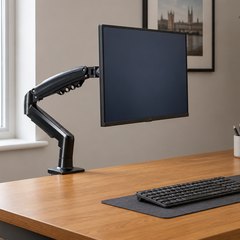
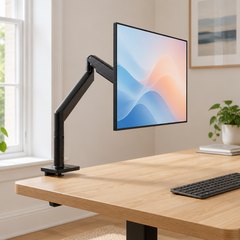
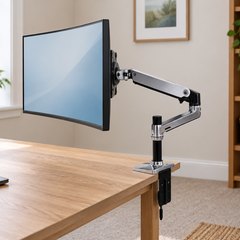
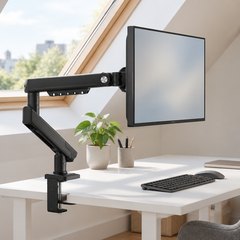
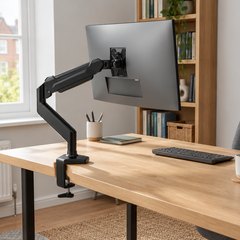
A monitor arm clamps to the edge of the desk, or bolts through a hole in it, and holds the screen up on a jointed arm, so it can be raised, pulled closer, tilted or turned on its side. HSE’s guidance for screen work puts the top of the screen level with the eyes, about an arm’s length away. Most arms lift on a gas spring; others use a mechanical spring or a counterbalance.
Every arm here fits VESA mounting holes 75mm or 100mm apart on the back of the monitor, and the monitor’s weight without the stand has to sit inside the arm’s range: too heavy and the screen slowly sinks, too light and it drifts up. Each clamp suits its own range of desk thicknesses, so measure the desk too.
What matters
- The screen sizes it’s rated for, in inches.
- Reach and height range, for where the screen needs to sit.
- Cable management that hides the leads along the arm.
#1Invision MX200 Single Monitor Arm
£20–£30
- Clamps desks up to 90mm
- Cable management in the arm
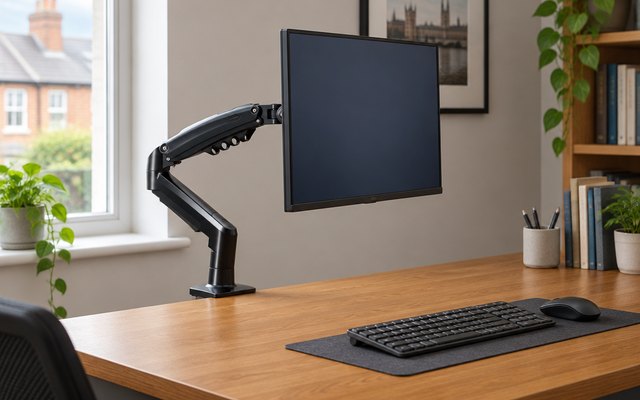
A gas-spring arm for 19 to 32-inch screens weighing 2 to 9kg, with up to 530mm of reach and a 2-year warranty from Invision, a Bolton company. Ultrawides and screens up to 40 inches want the stronger MX450 below; an ordinary desk monitor needs no more than this.
What owners say: Owners say fitting it is straightforward, and that it holds a 32-inch monitor steadily, even on a thick desk.
A closer look: Hang the screen on the plate before setting the tension, so the gas spring is balanced against the real weight. Height runs from 140mm to 400mm above the desk, and the clamp needs a desktop at least 20mm thick; through-desk fitting suits thinner tops.
Best for: Thick desks
- Screen sizes
- 19–32in
- Screen weight
- 2–9kg
- Holds the screen up with
- Gas spring
- Reach
- Up to 530mm
- Height above desk
- Up to 400mm
- Clamp fits desks
- 20–90mm
- Tilt
- +85° / −30°
- Cable routing along the arm
- Yes
#2Invision MX450 Single Monitor Arm
£50–£75
- Holds screens up to 15kg
- Takes screens up to 40in
- Not for screens under 24in
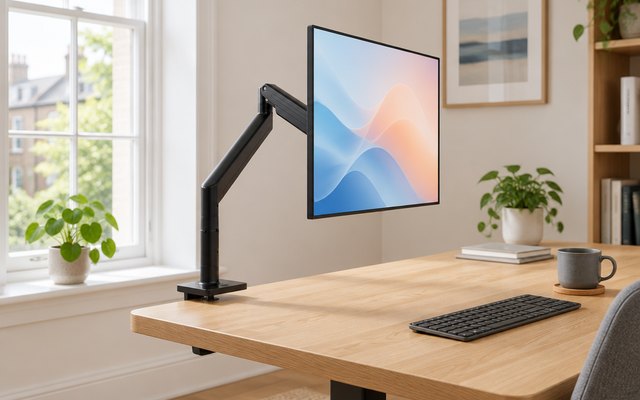
A heavier-duty arm for big screens: a die-cast alloy frame on a gas spring that carries monitors from 24 to 40 inches and 2 to 15kg, so a 34-inch ultrawide stays where it’s put.
What owners say: Owners say it holds heavy ultrawides with no wobble, goes up easily with clear instructions, and like that every joint can be tightened without tools; they find it fair value next to other big-screen arms.
A closer look: Weigh the monitor without its stand first: anything from 2 to 15kg sits on this arm, and screens under 24 inches are better on the MX200. If the VESA holes sit in a recess in the back of the screen, Invision’s support team will suggest a fix before it goes up.
Best for: Heavy screens
- Screen sizes
- 24–40in
- Screen weight
- 2–15kg
- Holds the screen up with
- Gas spring
- Reach
- –
- Height above desk
- –
- Clamp fits desks
- –
- Tilt
- +85° / −30°
- Cable routing along the arm
- –
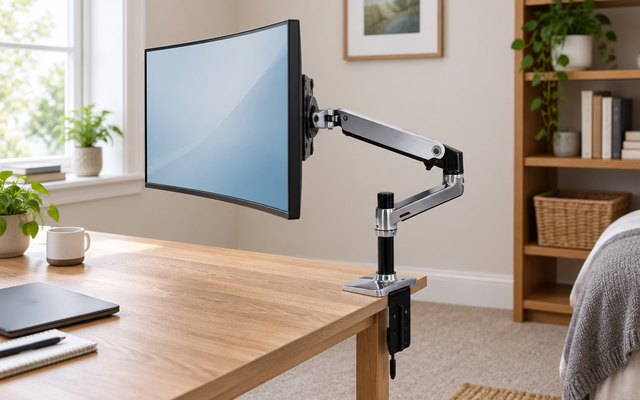
#3Ergotron LX Single Monitor Arm (45-241-026)
£150–£200
- 10-year warranty
- Reaches out to 64cm
- Holds screens up to 11.3kg
- Tilts only 5° downward
Built for heavier screens and long service: it holds 3.2 to 11.3kg and screens up to 34 inches, reaches out to 64cm, and Ergotron backs it with a 10-year warranty.
What owners say: Owners say it moves into any comfortable position and feels rock solid, and one has it holding a 27-inch pen display.
A closer look: Constant Force is Ergotron’s counterbalance, made so the screen moves with a light touch. The desk clamp suits desktops from 10mm to 60mm thick, and the grommet mount goes through a hole in desks up to 57mm, with both in the box.
Best for: Longest reach
- Screen sizes
- Up to 34in
- Screen weight
- 3.2–11.3kg
- Holds the screen up with
- Constant Force counterbalance
- Reach
- Up to 640mm
- Height above desk
- Up to 440mm
- Clamp fits desks
- 10–60mm
- Tilt
- +70° / −5°
- Cable routing along the arm
- Beneath the arm
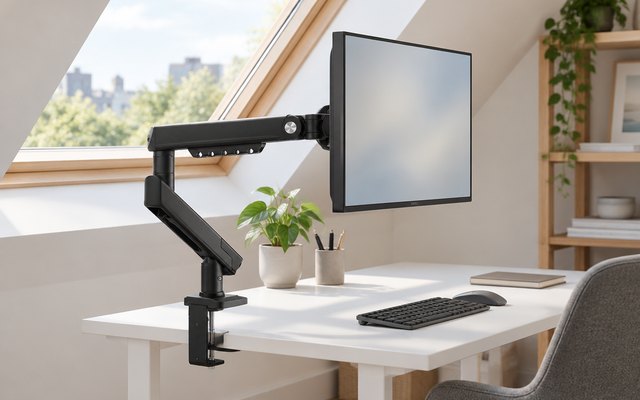
#4HUANUO FlowLift Pro Single Monitor Arm
£10–£20
- Window shows the spring tension
- 420mm top height
- 5-year warranty
- Made for wooden desks only
Instead of a gas strut it uses a mechanical spring, with a little window that shows the tension, so matching it to the monitor’s weight isn’t trial and error. It takes 13 to 27-inch screens of 2 to 7kg, with a top height of 420mm.
What owners say: Owners like the generous height range and how easily it moves, and say it gives a desk a clean, uncluttered look.
A closer look: HUANUO’s case for a mechanical spring is that it doesn’t rely on sealed gas pressure, so the tension should hold over the years. Both the clamp and the grommet base are meant for wooden desks, and HUANUO advises checking bevelled or irregular edges before fitting. Balance it with the monitor fitted: if the screen sinks, turn the adjuster towards +, and if it rises, towards −, watching the window.
Best for: Setting the tension by eye
- Screen sizes
- 13–27in
- Screen weight
- 2–7kg
- Holds the screen up with
- Mechanical spring
- Reach
- Up to 475mm
- Height above desk
- Up to 420mm
- Clamp fits desks
- 15–90mm
- Tilt
- +85° / −25°
- Cable routing along the arm
- –
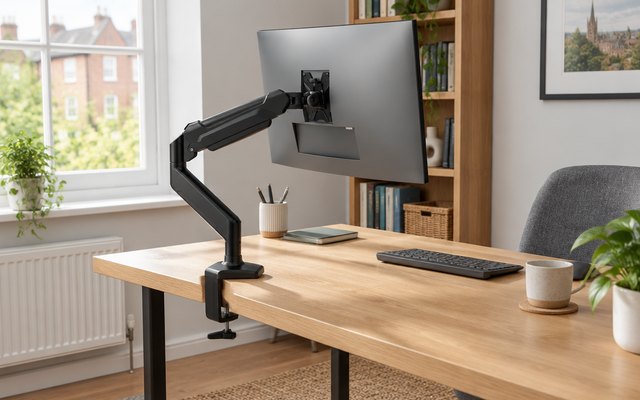
#5BONTEC Single Monitor Arm (GDM7501)
£26.99 RRP
- Tilts 90° up and down
- Concealed cable channel
Lifts the centre of a 13 to 32-inch screen of 3 to 9kg up to 450mm above the desk, with a gas spring, a concealed cable channel and snap-fit clips to keep the leads out of sight.
What owners say: Owners say it went up in under an hour with every tool needed in the box, and feels solid once fitted.
A closer look: Both the upper and lower arm turn a full circle at their joints, so the screen can swing round to face someone across the desk or tuck in beside a laptop. BONTEC recommends a desktop between 10mm and 70mm thick for either the clamp or the grommet. Mount the monitor before adjusting the arm’s height, since BONTEC notes the gas spring only works with a screen in place.
Best for: Widest tilt
- Screen sizes
- 13–32in
- Screen weight
- 3–9kg
- Holds the screen up with
- Gas spring
- Reach
- –
- Height above desk
- Up to 450mm
- Clamp fits desks
- 10–70mm
- Tilt
- ±90°
- Cable routing along the arm
- Concealed channel, snap-fit clips
Side by side
How they compare
Swipe sideways or rotate device to see all 5.
| Feature | #1Invision MX200 | #2Invision MX450 | #3Ergotron LX | #4HUANUO FlowLift Pro | #5BONTEC GDM7501 |
|---|---|---|---|---|---|
| Best overall | Best premium | Best budget | |||
| Picked Rating | 9.1 | 9.2 | 9.0 | 8.8 | 8.8 |
| Price | £20–£30 | £50–£75 | £150–£200 | £10–£20 | £26.99 RRP |
| Screen sizes | 19–32in | 24–40in | Up to 34in | 13–27in | 13–32in |
| Screen weight | 2–9kg | 2–15kg | 3.2–11.3kg | 2–7kg | 3–9kg |
| Holds the screen up with | Gas spring | Gas spring | Constant Force counterbalance | Mechanical spring | Gas spring |
| Reach | Up to 530mm | – | Up to 640mm | Up to 475mm | – |
| Height above desk | Up to 400mm | – | Up to 440mm | Up to 420mm | Up to 450mm |
| Clamp fits desks | 20–90mm | – | 10–60mm | 15–90mm | 10–70mm |
| Tilt | +85° / −30° | +85° / −30° | +70° / −5° | +85° / −25° | ±90° |
| Cable routing along the arm | Yes | – | Beneath the arm | – | Concealed channel, snap-fit clips |
| Best for | Thick desks | Heavy screens | Longest reach | Setting the tension by eye | Widest tilt |
| Buy now | Amazon | Amazon | Amazon | Amazon | Amazon |
How we checked these
How 35 became 5
We found 35 monitor arm listings. Twenty-eight were rated far too low and/or had too few ratings or sales to compete. That left seven, which we narrowed down step by step:
- Ratings, reviews and salesFor the seven, we then checked the ratings and reviews further, and how many people buy each one. Owners talked most about how sturdy they are and how well they adjust, then how easy they are to fit and value for money. After these checks, we dropped one more.6 left
- Features weighed upThe six left were compared on screen sizes, screen weight, what holds the screen up, reach, height above the desk, the desks the clamp fits, tilt and cable routing. Once everything was weighed up together, we dropped one more. The Invision MX450 is here too because it is the only arm here made for screens up to 40 inches. The #1 has every feature you’d expect from a monitor arm.5 made the cut
- Value for moneyEvery monitor arm here is worth what it costs. A dearer one is only here if it gives you more.
- Safe to buyEvery brand on this list was checked for safety recalls. None of these five monitor arms has one.
Spotted a mistake or something out of date? Tell usBack to top