Top 5 compared
The best USB-C hubs
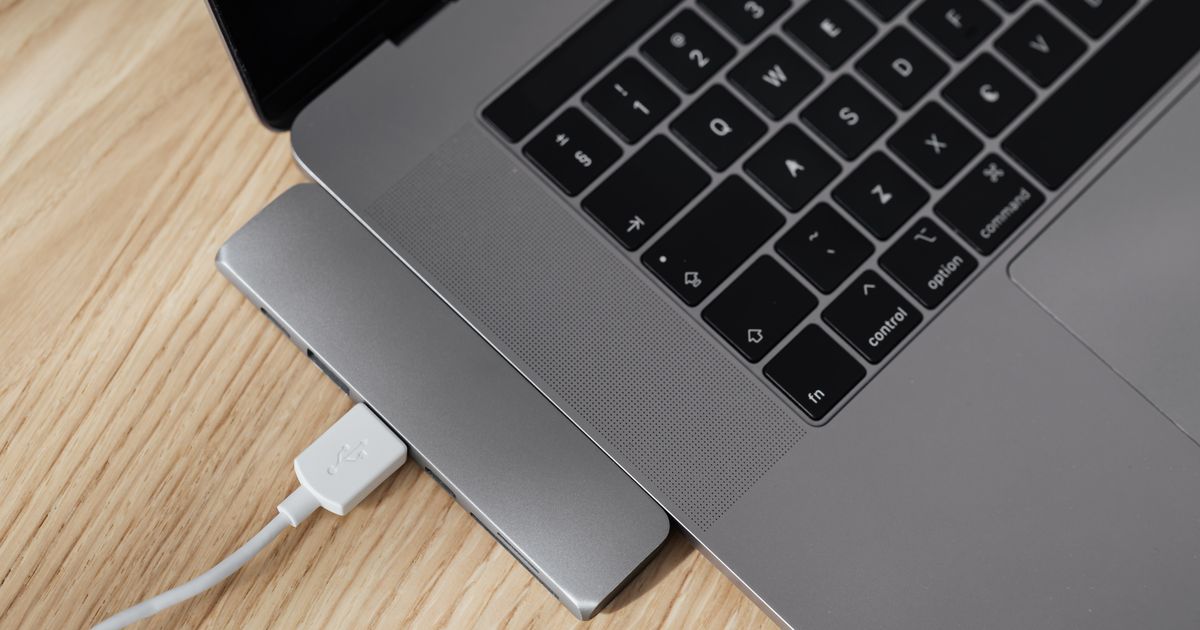
The mouse, the memory stick and the printer plugged in, on a laptop with nothing but USB-C sockets.
36 checked · 5 made the cut
As an Amazon Associate we earn from qualifying purchases. It costs you nothing extra. How this works
The top 5 at a glance
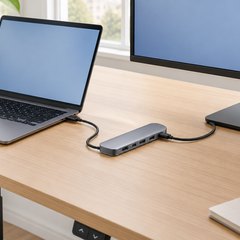
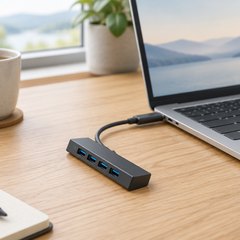
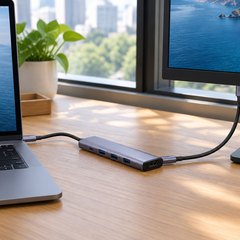
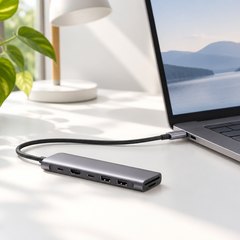
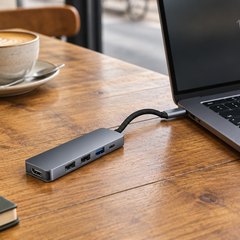
USB-C, the plug that goes in either way up, was published as a standard in August 2014, and some slim laptops now have no other socket. A hub turns one of those sockets into several: the older, rectangular USB-A, an HDMI port and sometimes card readers. Laptop adapters do all of that; a plain hub just adds USB-A ports.
Most here let the laptop’s own charger plug into the hub and pass power through. Ports differ in speed too: a fast 5Gbps port suits a drive, while USB 2.0 does for a keyboard or mouse. A hub’s HDMI port only shows a picture if the laptop’s USB-C socket carries video (DisplayPort Alt Mode), a point UGREEN and BENFEI make for theirs.
What matters
- A 60Hz HDMI port for a monitor you’ll work on all day.
- SD and microSD readers, if you shoot on a camera.
- How many watts of the charger actually reach the laptop.
#1Anker 7-in-1 USB-C Hub with 4K 60Hz HDMI (A83D2)
£24.99 RRP
- 4K 60Hz HDMI port
- SD and microSD readers
- Passes 85W to the laptop
- Not for Linux or Switch
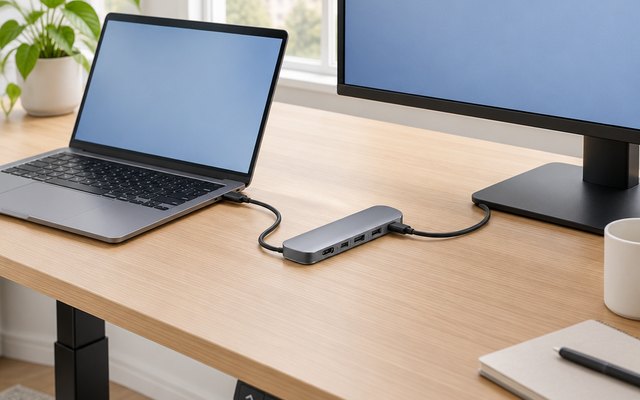
Seven ports on a slim hub: HDMI at 4K and a smooth 60Hz, two USB-A ports and a USB-C data port, each at 5Gbps, SD and microSD slots, and a charging socket that passes up to 85W to the laptop. Anker’s 4-in-1 below won’t run a screen or charge the laptop.
What owners say: Owners find it works straight out of the box, solidly built and compact, with enough ports for most desks; the complaint that comes up is that it doesn’t get on with every MacBook.
A closer look: At 60Hz, scrolling and dragging windows on a big monitor look smooth, where a 30Hz hub can feel a touch sluggish. Only the HDMI port carries a picture; the USB-C port is for drives and sticks. Anker says a 100W charger, not in the box, gets the full 85W to the laptop.
Best for: Smooth 4K picture
- HDMI
- 4K 60Hz
- USB-A ports
- 2 × 5Gbps
- USB-C data ports
- 1 × 5Gbps
- Card readers
- SD and microSD
- Charging socket
- Up to 100W
- Reaches the laptop
- Up to 85W
- Maker lists it for
- Windows, Mac, Chromebook
#2Anker 4-in-1 USB-C Data Hub (A8309)
Under £10
- Four USB-A ports
- Every port runs at 5Gbps
- Light at about 37g
- No HDMI port
- No laptop charging
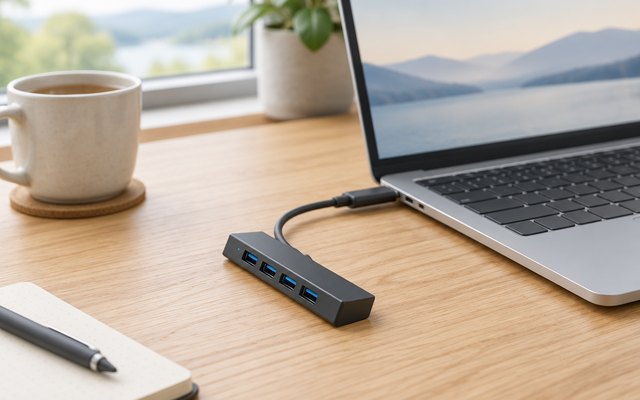
No HDMI and no charging, just four USB-A ports at 5Gbps on a short cable: the simple fix for a laptop with only USB-C sockets and a drawer of USB-A memory sticks, drives and dongles. It weighs about 37g.
What owners say: Owners say it works straight out of the box, feels solid and takes up little room; the cable length divides them, handy for some and too short for others.
A closer look: Keep it for the things that still use the old rectangular plug: a mouse receiver, a printer cable, a memory stick or an external drive. Put the chunkiest stick on an end port so it doesn’t crowd its neighbour.
Best for: Most USB-A sockets
- HDMI
- No
- USB-A ports
- 4 × 5Gbps
- USB-C data ports
- None
- Card readers
- No
- Charging socket
- None
- Reaches the laptop
- None
- Maker lists it for
- Windows, Mac, Chromebook
#3UGREEN 5-in-1 USB-C Hub with 4K HDMI (CM478)
£12.99 RRP
- 4K HDMI port
- Takes a 100W charger
- Aluminium case
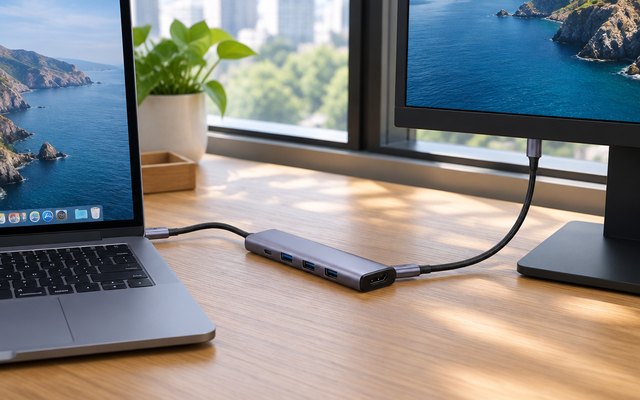
A small aluminium 5-in-1 that adds what a USB-C laptop most often lacks: HDMI at 4K, one fast 5Gbps USB-A port for a drive, two USB 2.0 ports for a keyboard and mouse, and a 100W socket for the laptop’s own charger.
What owners say: Owners find it solidly made and especially handy with a MacBook Air, though it won’t work with most Android phones and a few find it drops the connection.
A closer look: Plug the laptop’s USB-C charger into the hub’s charging socket and the laptop charges through it, which keeps the computer’s other sockets free. Save the 5Gbps port for a drive or memory stick and put the keyboard and mouse on the two slower ones, which are plenty for them. Check the laptop’s USB-C socket supports DisplayPort Alt Mode before relying on the HDMI port, as UGREEN notes the screen output needs it and most phones don’t have it.
Best for: Cost friendly
- HDMI
- 4K 30Hz
- USB-A ports
- 1 × 5Gbps, 2 × USB 2.0
- USB-C data ports
- None
- Card readers
- No
- Charging socket
- Up to 100W
- Reaches the laptop
- –
- Maker lists it for
- Windows, Mac, iPad
#4UGREEN 7-in-1 USB-C Hub with 4K HDMI and Card Readers
£10–£20
- SD and microSD readers
- 4K HDMI port
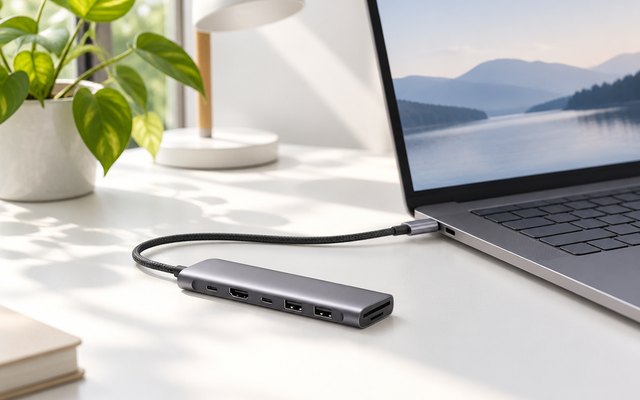
Much the same ports as Anker’s 7-in-1: HDMI, two USB-A ports and a USB-C data port at 5Gbps, SD and microSD slots and a charging socket that passes the charger through, in an aluminium shell. Its HDMI runs at 4K and 30Hz, which suits slides, films and documents.
What owners say: Owners find it well made and compact, handy for laptops and iPads short of ports; some had trouble with their particular laptop or wanted more USB ports, and its speed divides opinion.
A closer look: Copy photos straight off a camera’s SD card or a drone’s microSD without a separate reader. The charging socket takes the laptop’s own USB-C charger, so the hub doesn’t use up the only charging port.
Best for: 95W laptop charging
- HDMI
- 4K 30Hz
- USB-A ports
- 2 × 5Gbps
- USB-C data ports
- 1 × 5Gbps
- Card readers
- SD and microSD
- Charging socket
- Up to 100W
- Reaches the laptop
- Up to 95W
- Maker lists it for
- Windows, Mac, Chromebook, iPad
#5BENFEI 5-in-1 USB-C Hub with 4K HDMI and Silicone Cable
Under £10
- Cable rated 25,000+ bends
- 4K HDMI port
- Passes 90W to the laptop
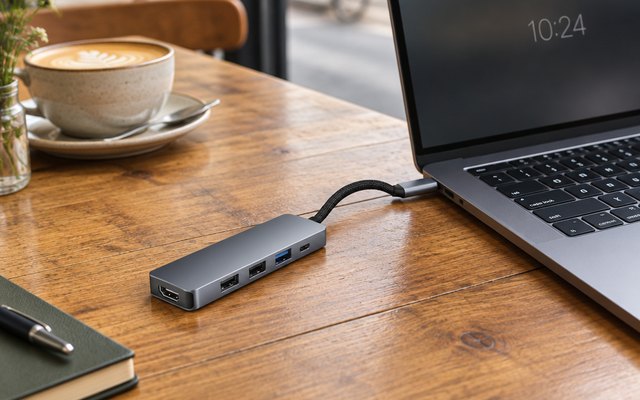
The same set of ports as UGREEN’s 5-in-1, HDMI at 4K, one 5Gbps USB-A and two USB 2.0, on a soft 20cm silicone-woven cable that BENFEI makes in-house and says lasts over 25,000 bends. It passes up to 90W of a 100W charger to the laptop.
What owners say: Owners like how well it’s built and how easy it is to use, and several run it with a MacBook Air; some doubt it will last.
A closer look: Only the laptop’s charger goes in the USB-C socket, which carries no data or video, so a drive or memory stick goes on the single fast USB-A port. The short, soft cable doesn’t knot in a bag, and it reaches a laptop raised on a stand as easily as one flat on the desk.
Best for: Long-lasting cable
- HDMI
- 4K 30Hz
- USB-A ports
- 1 × 5Gbps, 2 × USB 2.0
- USB-C data ports
- None
- Card readers
- No
- Charging socket
- Up to 100W
- Reaches the laptop
- Up to 90W
- Maker lists it for
- Windows, Mac, Chromebook, iPad
Side by side
How they compare
Swipe sideways or rotate device to see all 5.
| Feature | #1Anker 7-in-1 | #2Anker 4-in-1 | #3UGREEN CM478 | #4UGREEN 7-in-1 | #5BENFEI 5-in-1 |
|---|---|---|---|---|---|
| Best overall | Best budget | ||||
| Picked Rating | 9.1 | 9.3 | 8.8 | 8.8 | 8.8 |
| Price | £24.99 RRP | Under £10 | £12.99 RRP | £10–£20 | Under £10 |
| HDMI | 4K 60Hz | No | 4K 30Hz | 4K 30Hz | 4K 30Hz |
| USB-A ports | 2 × 5Gbps | 4 × 5Gbps | 1 × 5Gbps, 2 × USB 2.0 | 2 × 5Gbps | 1 × 5Gbps, 2 × USB 2.0 |
| USB-C data ports | 1 × 5Gbps | None | None | 1 × 5Gbps | None |
| Card readers | SD and microSD | No | No | SD and microSD | No |
| Charging socket | Up to 100W | None | Up to 100W | Up to 100W | Up to 100W |
| Reaches the laptop | Up to 85W | None | – | Up to 95W | Up to 90W |
| Maker lists it for | Windows, Mac, Chromebook | Windows, Mac, Chromebook | Windows, Mac, iPad | Windows, Mac, Chromebook, iPad | Windows, Mac, Chromebook, iPad |
| Best for | Smooth 4K picture | Most USB-A sockets | Cost friendly | 95W laptop charging | Long-lasting cable |
| Buy now | Amazon | Amazon | Amazon | Amazon | Amazon |
How we checked these
How 36 became 5
We found 36 USB-C hub listings. Twenty-two were rated too low and/or had too few ratings or sales to compete. That left 14, which we narrowed down step by step:
- Ratings, reviews and salesFor the 14, we then checked the ratings and reviews further, and how many people buy each one. Owners talked most about how well they are built and the ports, then which laptops they work with and value for money. After these checks, we dropped five more.9 left
- Sold newOne was dropped because it was out of stock at its maker’s UK shop and listed as discontinued by another UK shop.8 left
- Features weighed upThe eight left were compared on HDMI, USB-A ports, USB-C data ports, card readers, the charging socket, how much power reaches the laptop and the systems each maker lists it for. Once everything was weighed up together, we dropped three more. The #1 has every feature you’d expect from a USB-C hub.5 made the cut
- Value for moneyEvery USB-C hub here is worth what it costs. A dearer one is only here if it gives you more.
- Safe to buyEvery brand on this list was checked for safety recalls. None of these five USB-C hubs has one.
Spotted a mistake or something out of date? Tell usBack to top