Top 5 compared
The best webcams
Look and sound like yourself on video calls, for work meetings, catching up with family or streaming.
16 checked · 5 made the cut

As an Amazon Associate we earn from qualifying purchases. It costs you nothing extra. How this works
The top 5 at a glance
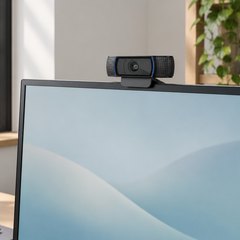
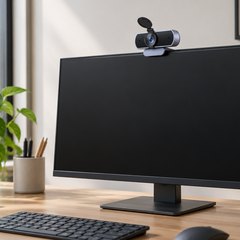
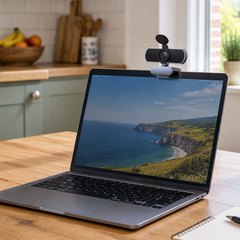
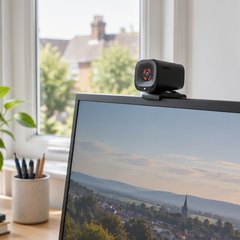
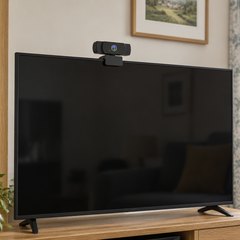
Laptop cameras tend to be grainy and look up from below; a webcam clipped to the top of a screen sees you straight on and far more clearly. 1080p is plenty for most calls, with 2K and 4K adding sharpness on a big screen. Some focus automatically as you move, others are fixed-focus and sharp at desk distance, and wide-angle ones fit a group in.
Every one here has a built-in microphone, and most come with a privacy cover, fitted or clip-on; the Logitech doesn’t have one. All five work with Windows and Mac, and only the Logitech lists Chromebooks. The idea goes back a long way: one of the first webcams, set up at Cambridge University in 1991, simply showed whether the Computer Laboratory’s coffee pot was empty.
What matters
- A clip that also takes a tripod screw.
- Light correction, for a dim room or a window behind you.
- A USB-C cable or adapter, if your laptop only has USB-C.
#1Logitech C920 HD Pro Webcam
£84.99 RRP
- Autofocus
- Light correction for dim rooms
- Tripod mount in the base
- No privacy cover
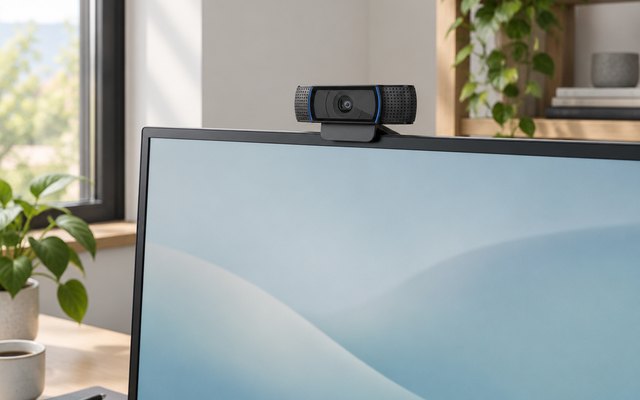
Autofocus that keeps up when you lean in to show something, sharp 1080p through a five-element glass lens, and a microphone either side of the lens for stereo sound. It works on Windows, macOS and ChromeOS, and Google certifies it Works with Chromebook.
What owners say: Owners praise both the picture and the sound, and like that it’s ready to use the moment it’s plugged in; the autofocus hunting and the microphones’ sensitivity divide them.
A closer look: The clip folds over a monitor or laptop lid, and the base also screws onto a tripod for a better angle. Sit facing a window or lamp rather than with the light behind you, and RightLight 2 has an easier job evening out your face.
Best for: Certified for Chromebooks
- Video
- 1080p at 30fps
- Field of view
- 78°
- Autofocus
- Yes
- Light correction (maker’s claim)
- Low light
- Privacy cover
- No
- Mount
- Clip or tripod
- Maker lists it for
- Windows, Mac, Chromebook, Android, Xbox One
- Plug on the cable
- –
#2UGREEN 4K Webcam (65381)
£20–£30
- 4K, or 1080p at 60fps
- Autofocus that tracks to 5m
- USB-C adapter in the box
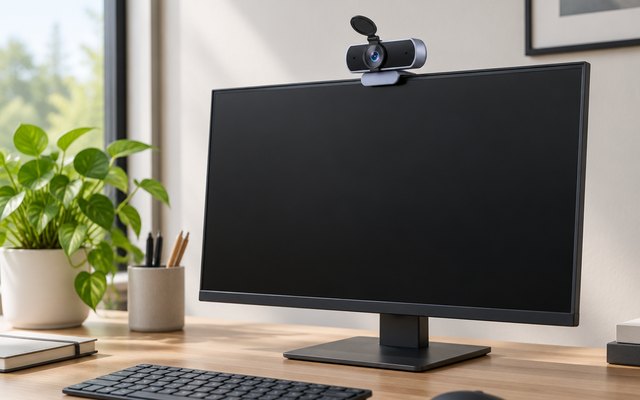
The sharpest picture here: an 8MP sensor gives 4K at 30fps, or 1080p at 60fps when the computer or app can’t take 4K, with phase-detection autofocus that UGREEN says holds a face from a foot away to five metres, and light correction for a dim room. A cover blanks the lens between calls.
What owners say: Owners call the picture crystal clear in good light and say it needs no setting up on Mac or Windows, with the autofocus keeping up as they move; the one reservation is that the light correction doesn’t always do as much as promised.
A closer look: Plug and play on Windows, Mac, Linux and Android, with a USB-A to USB-C adapter for a laptop that only has USB-C sockets. Most meeting apps still send 1080p, where this runs at a smooth 60fps; 4K needs an app that can use it. Sit it a little above eye level and give it a window or a lamp to face.
Best for: 4K picture
- Video
- 4K at 30fps (1080p at 60fps)
- Field of view
- 70°
- Autofocus
- Yes
- Light correction (maker’s claim)
- Low light
- Privacy cover
- Cover in the box
- Mount
- Clip or tripod
- Maker lists it for
- Windows, Mac, Linux, Android, iPad
- Plug on the cable
- USB-A, plus a USB-C adapter
#3UGREEN Full HD 1080p Webcam
£10–£20
- Wide 85° view
- Clip-on privacy cover included
- Automatic light correction
- Fixed focus, no autofocus
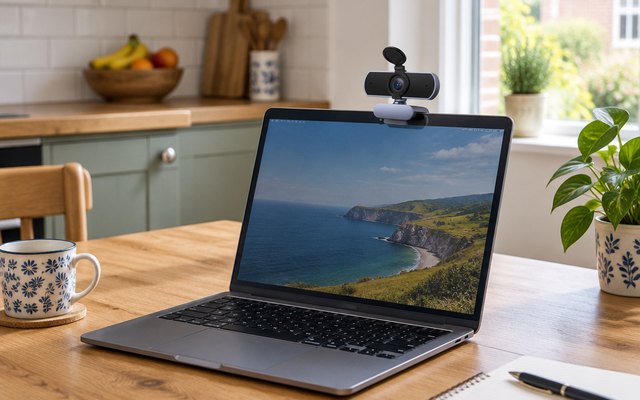
A straightforward 1080p camera for everyday calls, with an 85° view that fits two people in and a pair of microphones that pick up voices from up to 3 metres away.
What owners say: Owners single out the picture in dim rooms, and say the microphones catch voices several metres away; it won’t work with Android devices, they warn, whatever the listing says.
A closer look: Focus is fixed, so it’s sharpest with you somewhere between half a metre and a few metres away, which covers sitting at a desk. The privacy cover comes loose in the box: clip it on before the first call so it doesn’t go astray, and the camera swivels right round on its clip.
Best for: Cost friendly
- Video
- 1080p at 30fps
- Field of view
- 85°
- Autofocus
- No
- Light correction (maker’s claim)
- Low light, with wide dynamic range
- Privacy cover
- Clip-on, in the box
- Mount
- Clip, turns 360°
- Maker lists it for
- Windows, Mac, Linux, Android
- Plug on the cable
- USB-A
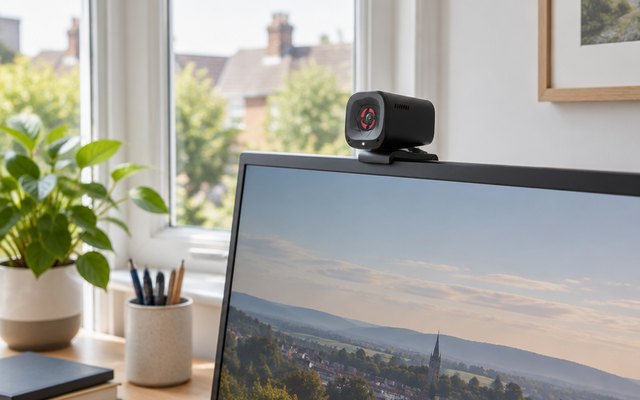
#4Anker PowerConf C200 2K Webcam
£59.99 RRP
- Three views: 65°, 78°, 95°
- 2K video at 30fps
- One-voice or whole-room mic pickup
- Views need the AnkerWork app
A 2K picture with a view that switches between 65°, 78° and 95° in Anker’s app: tight on your face for a one-to-one, wide enough for two on the sofa.
What owners say: Owners like the crisp picture and how simply it sits on top of a monitor, but the autofocus hunts for some and it wants good light; how far it adjusts gets mixed reports too.
A closer look: Set the view and the microphones’ pickup, a 90° beam for one voice or 180° for a room, in the AnkerWork app on Windows or Mac. A lamp or window in front of you gives the autofocus more to work with on dark evenings, and the cover slides across once the call ends.
Best for: Adjustable view
- Video
- 2K at 30fps
- Field of view
- 65°, 78° or 95°
- Autofocus
- Yes
- Light correction (maker’s claim)
- Larger aperture for low light, no HDR
- Privacy cover
- Yes
- Mount
- Clip or tripod
- Maker lists it for
- Windows, Mac
- Plug on the cable
- USB-A, on a lead that unplugs from the camera’s USB-C port
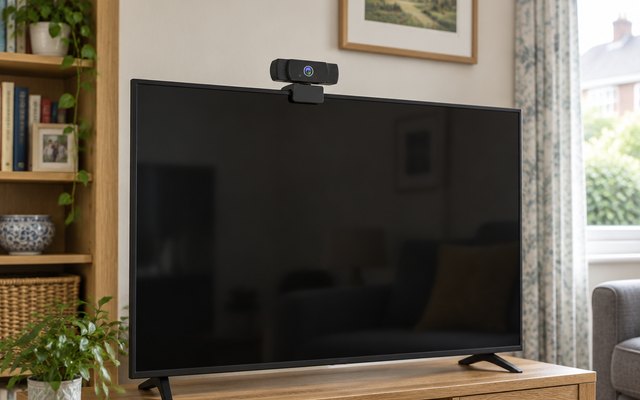
#5YIMONA 1080p Wide-Angle Webcam (W6)
£10–£20
- Very wide 110° view
- Mic reaches up to 5m
- Privacy cover on a switch
- Fixed focus, no autofocus
The widest view here at 110°, so a family squeezed onto the sofa or a whiteboard beside the desk fits in the shot, and a switch slides the built-in privacy cover shut.
What owners say: Owners find it sets itself up without any fuss, even on a Mac, and say the built-in microphone carries their voice clearly.
A closer look: A wide lens shows more of the room, so tidy what’s behind you, or sit a little closer to fill the frame on one-to-one calls. The hinged clamp grips the top of a monitor or folds out to stand on a shelf, and the camera turns right round when it needs to face the other way.
Best for: Group calls
- Video
- 1080p at 30fps
- Field of view
- 110°
- Autofocus
- No
- Light correction (maker’s claim)
- Low light and backlight, with HDR
- Privacy cover
- Yes
- Mount
- Clamp or stand, turns 360°
- Maker lists it for
- Windows, Mac, Linux
- Plug on the cable
- –
Side by side
How they compare
Swipe sideways or rotate device to see all 5.
| Feature | #1Logitech C920 | #2UGREEN 4K | #3UGREEN 1080p | #4Anker PowerConf C200 | #5YIMONA W6 |
|---|---|---|---|---|---|
| Best overall | Best budget | ||||
| Picked Rating | 9.0 | 8.9 | 8.6 | 8.6 | 8.6 |
| Price | £84.99 RRP | £20–£30 | £10–£20 | £59.99 RRP | £10–£20 |
| Video | 1080p at 30fps | 4K at 30fps (1080p at 60fps) | 1080p at 30fps | 2K at 30fps | 1080p at 30fps |
| Field of view | 78° | 70° | 85° | 65°, 78° or 95° | 110° |
| Autofocus | Yes | Yes | No | Yes | No |
| Light correction (maker’s claim) | Low light | Low light | Low light, with wide dynamic range | Larger aperture for low light, no HDR | Low light and backlight, with HDR |
| Privacy cover | No | Cover in the box | Clip-on, in the box | Yes | Yes |
| Mount | Clip or tripod | Clip or tripod | Clip, turns 360° | Clip or tripod | Clamp or stand, turns 360° |
| Maker lists it for | Windows, Mac, Chromebook, Android, Xbox One | Windows, Mac, Linux, Android, iPad | Windows, Mac, Linux, Android | Windows, Mac | Windows, Mac, Linux |
| Plug on the cable | – | USB-A, plus a USB-C adapter | USB-A | USB-A, on a lead that unplugs from the camera’s USB-C port | – |
| Best for | Certified for Chromebooks | 4K picture | Cost friendly | Adjustable view | Group calls |
| Buy now | Amazon | Amazon | Amazon | Amazon | Amazon |
How we checked these
How 16 became 5
We found 16 webcam listings. Two were the same webcam again, in another colour or with a privacy cover, and four were rated too low and/or had too few ratings to compete. That left 10, which we narrowed down step by step:
- Ratings, reviews and salesFor the 10, we then checked the ratings and reviews further, and how many people buy each one. Owners talked most about picture quality and how easy they are to set up, then autofocus and sound.
- Features weighed upThe 10 were compared on resolution, field of view, autofocus, light correction, privacy covers, mounts, the computers they work with and the plug on the cable. Once everything was weighed up together, we dropped five more. We used the makers’ own figures for three of the five here.5 made the cut
- Value for moneyEvery webcam here is worth what it costs. A dearer one is only here if it gives you more.
- Safe to buyEvery brand on this list was checked for safety recalls. None of these five webcams has one.
Spotted a mistake or something out of date? Tell usBack to top